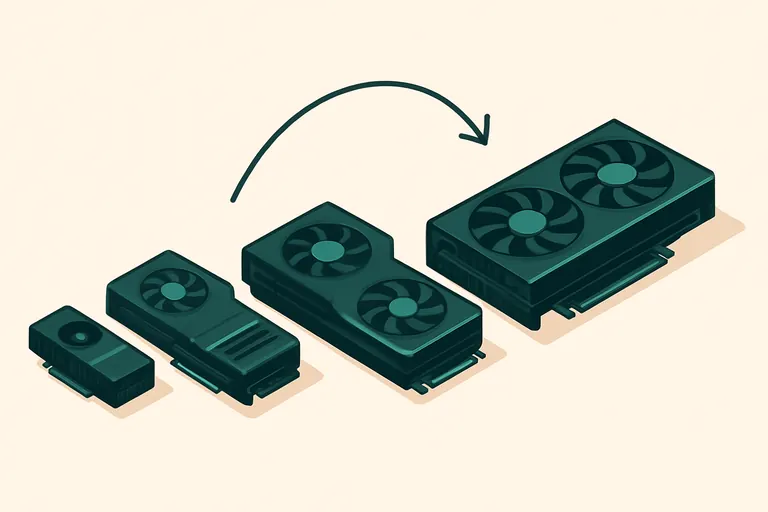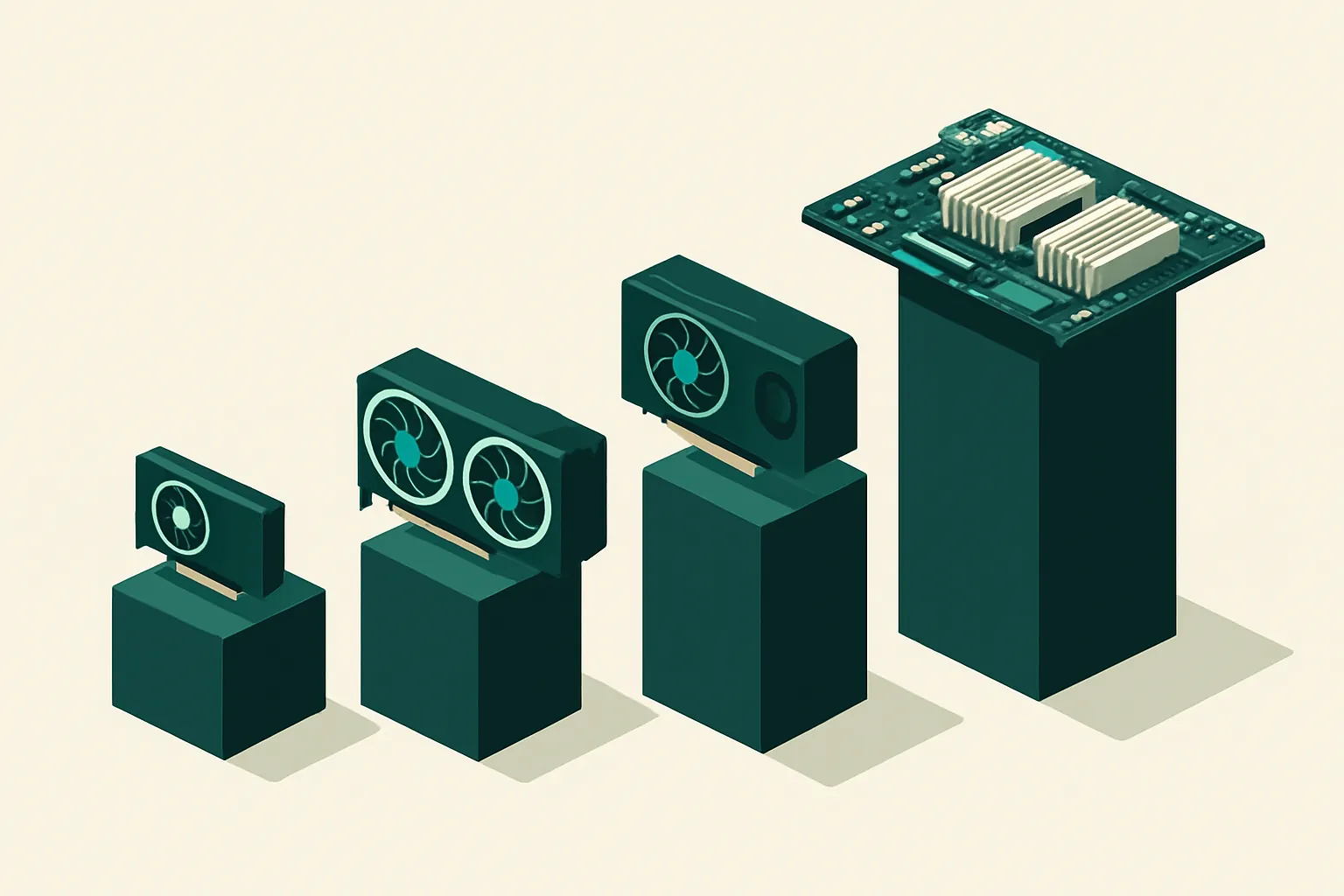
Short answer by budget tier
Deep learning covers many jobs: training vision models, small transformers, speech and recommendation models, plus the experiments around them. Training stresses compute and memory together, and multi-GPU training adds the link between cards. That is a different balance from LLM serving, where memory bandwidth dominates.
The table maps budget tiers to candidate cards. It is a starting shortlist based on published memory and features, not on benchmarks. If your work is mainly LLM serving or image generation, the dedicated guides fit better: see the GPU for image generation guide, and use how to choose a GPU for AI for the general method.
| Tier | Typical work | Starting candidates |
|---|---|---|
| Learning and prototypes | Courses, small CNNs, notebooks, debugging | T4, L4, RTX 3090 |
| Single-GPU research | Vision and transformer models under ~1B parameters | RTX 4090, RTX 5090, RTX A6000, L40S |
| Large single-GPU jobs | Bigger batches, high resolution, 1B-class models | RTX PRO 6000, A100 80GB, H100 |
| Multi-GPU training | Data-parallel or sharded training of larger models | 4 to 8 A100, H100 or H200 with NVLink |
| Large-scale pretraining | Multi-node runs over days or weeks | H200 or B200 nodes with fast networking |
Candidate GPUs compared
Specs come from NVIDIA product pages, datasheets and architecture whitepapers. For training, look at memory first, then the link column, then precision. The T4 page lists FP16 mixed precision and INT8 but not BF16; the A10 and later cards list BF16, which most modern training recipes default to.
The FP8 and FP4 column matters less for training than for inference, because FP8 training needs specific library support. B200 figures are per GPU, derived from NVIDIA’s DGX B200 totals of 1,440 GB and 64 TB/s across eight GPUs.
| GPU | Memory | Bandwidth | FP8 / FP4 | Form factor and link | Best for |
|---|---|---|---|---|---|
| T4 | 16 GB GDDR6 | 320+ GB/s | No / no | Low-profile PCIe, 70 W | Learning, light experiments |
| L4 | 24 GB GDDR6 | 300 GB/s | FP8 / no | Low-profile PCIe, 72 W | Prototypes, small models |
| A10 | 24 GB GDDR6 | 600 GB/s | No / no | 1-slot PCIe, 150 W | Small models with BF16 |
| RTX 3090 | 24 GB GDDR6X | 936 GB/s | No / no | Consumer card, 350 W | Low-cost single-GPU training |
| RTX 4090 | 24 GB GDDR6X | 1,008 GB/s | FP8 / no | Consumer card, 450 W | Fast single-GPU research |
| RTX 5090 | 32 GB GDDR7 | 1,792 GB/s | FP8 / FP4 | Consumer card, 575 W | Single-GPU research needing 32 GB |
| RTX A6000 | 48 GB GDDR6 ECC | 768 GB/s | No / no | Dual-slot PCIe, 300 W, 2-way NVLink bridge | Large batches, high resolution |
| L40S | 48 GB GDDR6 ECC | 864 GB/s | FP8 / no | Dual-slot PCIe, 350 W, no NVLink | Large batches, mixed vision work |
| RTX PRO 6000 Server | 96 GB GDDR7 ECC | 1,597 GB/s | FP8 / FP4 | Dual-slot PCIe, up to 600 W | Big single-GPU jobs |
| A100 80GB SXM | 80 GB HBM2e | 2,039 GB/s | No / no | SXM, 400 W, 600 GB/s NVLink | Multi-GPU training at lower cost |
| H100 SXM | 80 GB HBM3 | 3.35 TB/s | FP8 / no | SXM, up to 700 W, 900 GB/s NVLink | Multi-GPU training, fast epochs |
| H200 SXM | 141 GB HBM3e | 4.8 TB/s | FP8 / no | SXM, up to 700 W, 900 GB/s NVLink | Larger models per GPU |
| B200 | 180 GB HBM3e | 8 TB/s | FP8 / FP4 | 8-GPU HGX or DGX system | Large-scale pretraining |
References: NVIDIA T4 Tensor Core GPU specifications · NVIDIA L4 Tensor Core GPU specifications · NVIDIA A10 Tensor Core GPU specifications · NVIDIA Ampere GA102 GPU architecture whitepaper · NVIDIA GeForce RTX 4090 specifications · NVIDIA Ada GPU architecture whitepaper · NVIDIA GeForce RTX 5090 · NVIDIA RTX Blackwell GPU architecture whitepaper · NVIDIA RTX A6000 datasheet · NVIDIA L40S specifications · NVIDIA RTX PRO 6000 Blackwell Server Edition specifications · NVIDIA A100 specifications · NVIDIA H100 specifications · NVIDIA H200 specifications · NVIDIA DGX B200 specifications
Size the training job
Hugging Face’s memory guide puts mixed-precision training with Adam at 18 bytes per parameter before activations: 6 for the 16-bit and 32-bit weight copies, 8 for optimizer state and 4 for gradients. A 300M-parameter model needs about 5.4 GB on that basis, and a 1B model about 18 GB.
Activations often dominate for vision models and long sequences. They grow with batch size, image resolution or sequence length, and model depth. The guide lists gradient accumulation, gradient checkpointing and mixed precision as the main ways to cut memory, at some cost in speed.
Estimate the static part with the VRAM calculator, then measure the real peak with a short run, since activation memory is hard to predict by hand. Leave 10% to 20% headroom for evaluation passes and fragmentation.
| Model size | Weights, grads and Adam state | Fits on (before activations) |
|---|---|---|
| 100M parameters | About 1.8 GB | Any card in the table |
| 300M parameters | About 5.4 GB | T4 and up |
| 1B parameters | About 18 GB | 24 GB cards, tightly; 48 GB comfortably |
| 3B parameters | About 54 GB | 80 GB cards, or shard across smaller ones |
| 7B parameters | About 126 GB | Shard across several 80 GB or 141 GB GPUs |
References: Hugging Face Transformers: GPU memory usage
One GPU or several
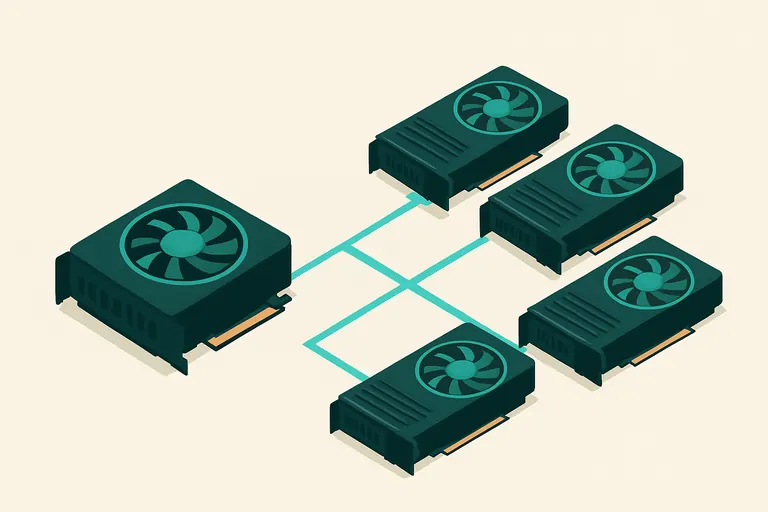
Data-parallel training copies the model to each GPU and splits the batch, so it only helps once the model fits on one card. Each step ends with a gradient exchange, which is why the link matters. NVIDIA lists 600 GB/s NVLink on A100 SXM and 900 GB/s on H100 and H200 SXM; the L40S has none and talks over PCIe.
If a job fits on one GPU and finishes in an acceptable time, stay there. If not, check that the GPUs are busy before adding more: a starved data loader gets worse with more devices. The low GPU utilization guide shows how to check, and PyTorch DDP multi-GPU training covers the setup.
References: NVIDIA A100 specifications · NVIDIA H100 specifications · NVIDIA H200 specifications · NVIDIA L40S specifications
Cost per epoch, not cost per hour
Training cost is GPU count times hours times rate, so the useful unit is cost per epoch or per completed run. A faster card can cost more per hour and less per epoch. Multi-GPU runs rarely scale perfectly, so measure the speedup rather than assuming it.
The figures below are illustrative assumptions, not quotes or measured epoch times. Swap in your own pilot timings.
| Setup | Assumed rate per GPU-hour | Assumed epoch time | Cost per epoch |
|---|---|---|---|
| 1 x 24 GB consumer card | $0.50 | 3.0 hours | $1.50 |
| 1 x 48 GB PCIe card | $0.90 | 2.0 hours | $1.80 |
| 1 x H100 SXM | $2.50 | 0.6 hours | $1.50 |
| 4 x H100 SXM at 85% scaling | $2.50 | 0.18 hours | $1.80 |
Decision rules for the best GPU for deep learning
Pick the smallest tier where weights, optimizer state and a realistic batch fit with headroom. Prefer BF16-capable cards for transformer training. Use consumer cards for experiments and sweeps, and data center cards with ECC for long runs where a silent memory error would waste days.
Scale out only after one GPU is busy and the model fits. When you scale, prefer NVLink boards. When many small experiments run at once, several cheap single cards usually beat one large node.
| If your situation is | Then lean toward |
|---|---|
| Learning or debugging code | T4 or L4 |
| Hyperparameter sweeps on small models | Several RTX 3090 or RTX 4090 cards |
| High-resolution vision training | RTX A6000, L40S or RTX PRO 6000 |
| Week-long run, need reliability | A100 or H100 with ECC memory |
| Model too big for one 80 GB card | 4 to 8 H100 or H200 with NVLink and sharding |
References: NVIDIA T4 Tensor Core GPU specifications · NVIDIA A10 Tensor Core GPU specifications
What to test before you commit
Run 100 to 200 steps on each candidate with your real data pipeline. Record step time, samples per second, peak memory and GPU utilization. Run one evaluation pass, since evaluation can spike memory. If you plan to scale out, time one and four GPUs and compute the scaling efficiency.
Confirm the CUDA, driver and framework versions on the image, and that checkpoints save and reload. Then project the full run and compare cost per epoch across the cards you tested.
Checklist and next step
Estimate bytes per parameter and add measured activations. Pick the tier that fits with headroom. Shortlist two cards. Time a pilot on each. Compare cost per epoch. Scale out only with busy GPUs and a fast link. Turn on checkpoints before long runs.
NeuraMesh rents T4, L4, A10, RTX 3090, RTX 4090, RTX 5090, RTX A6000, L40S, RTX PRO 6000, A100, H100, H200 and B200 GPUs by the hour. Choose the GPU, plan, count, hours and region on rent GPUs, and you receive a confirmed quotation, typically within one business day, with nothing charged until you approve. For a recommendation, ask the compute advisor.
NeuraMesh prices for these GPUs
| GPU | Memory | Data center | Value |
|---|---|---|---|
| RTX 4090 | 24 GB | $0.46 | $0.40 |
| L40S | 48 GB | $1.26 | $0.54 |
| A100 | 80 GB | $1.56 | $0.98 |
| H100 | 80 GB | $2.88 | $2.00 |
Every order is confirmed in a quotation before you pay. See all GPU prices.
Questions readers ask
What is the best GPU for deep learning for beginners?
A 16 GB to 24 GB card such as the T4, L4 or RTX 3090 covers courses, notebooks and small models. Renting by the hour lets you start there and move up only when a real job needs more memory or speed.
Is the RTX 4090 good for deep learning?
Yes for single-GPU work that fits in 24 GB. It has 1,008 GB/s of bandwidth and fourth-generation Tensor Cores with FP8 support. It lacks ECC memory and NVLink, so data center cards suit long multi-GPU runs better.
How much VRAM do I need for deep learning?
Mixed-precision training with Adam needs about 18 bytes per parameter before activations. Add measured activation memory for your batch size and input size, then leave 10% to 20% headroom.
Do I need NVLink for deep learning?
Not on a single GPU. For multi-GPU training, a fast link shortens the gradient exchange at each step. NVIDIA lists 600 GB/s NVLink on A100 SXM and 900 GB/s on H100 SXM; PCIe-only cards like the L40S rely on slower host links.
Should I buy or rent a GPU for deep learning?
Rent when usage is bursty or you need large cards for short periods; buying makes sense at steady, high utilization. The trade-off is covered in GPU cloud vs owning hardware.
Sources and editorial notes
- NVIDIA T4 Tensor Core GPU specifications
- NVIDIA L4 Tensor Core GPU specifications
- NVIDIA A10 Tensor Core GPU specifications
- NVIDIA Ampere GA102 GPU architecture whitepaper
- NVIDIA GeForce RTX 4090 specifications
- NVIDIA Ada GPU architecture whitepaper
- NVIDIA GeForce RTX 5090
- NVIDIA RTX Blackwell GPU architecture whitepaper
- NVIDIA RTX A6000 datasheet
- NVIDIA L40S specifications
- NVIDIA RTX PRO 6000 Blackwell Server Edition specifications
- NVIDIA A100 specifications
- NVIDIA H100 specifications
- NVIDIA H200 specifications
- NVIDIA DGX B200 specifications
- Hugging Face Transformers: GPU memory usage
Primary documentation reviewed November 24, 2026. Provider descriptions reflect published documentation. Recommendations are our analysis; worked figures are illustrative unless explicitly stated otherwise. No independent provider benchmark or uptime ranking is claimed.
Need this GPU? Rent it from NeuraMesh: choose a GPU and plan, get a confirmed quotation, and pay only when you approve. See pricing.