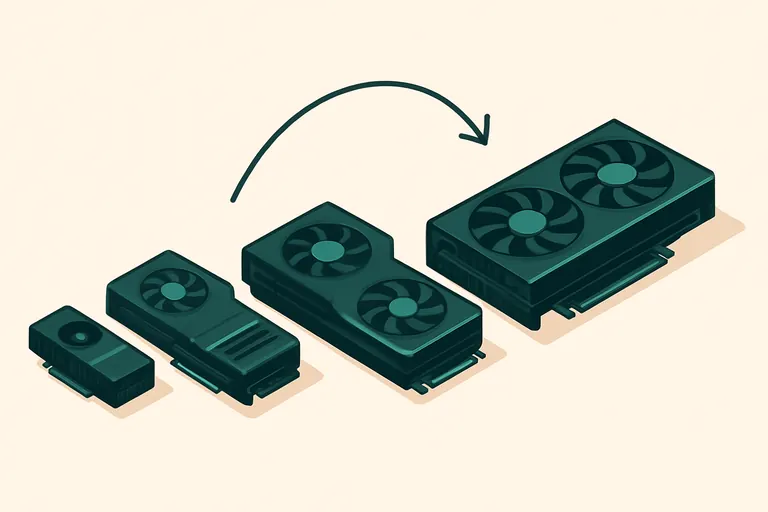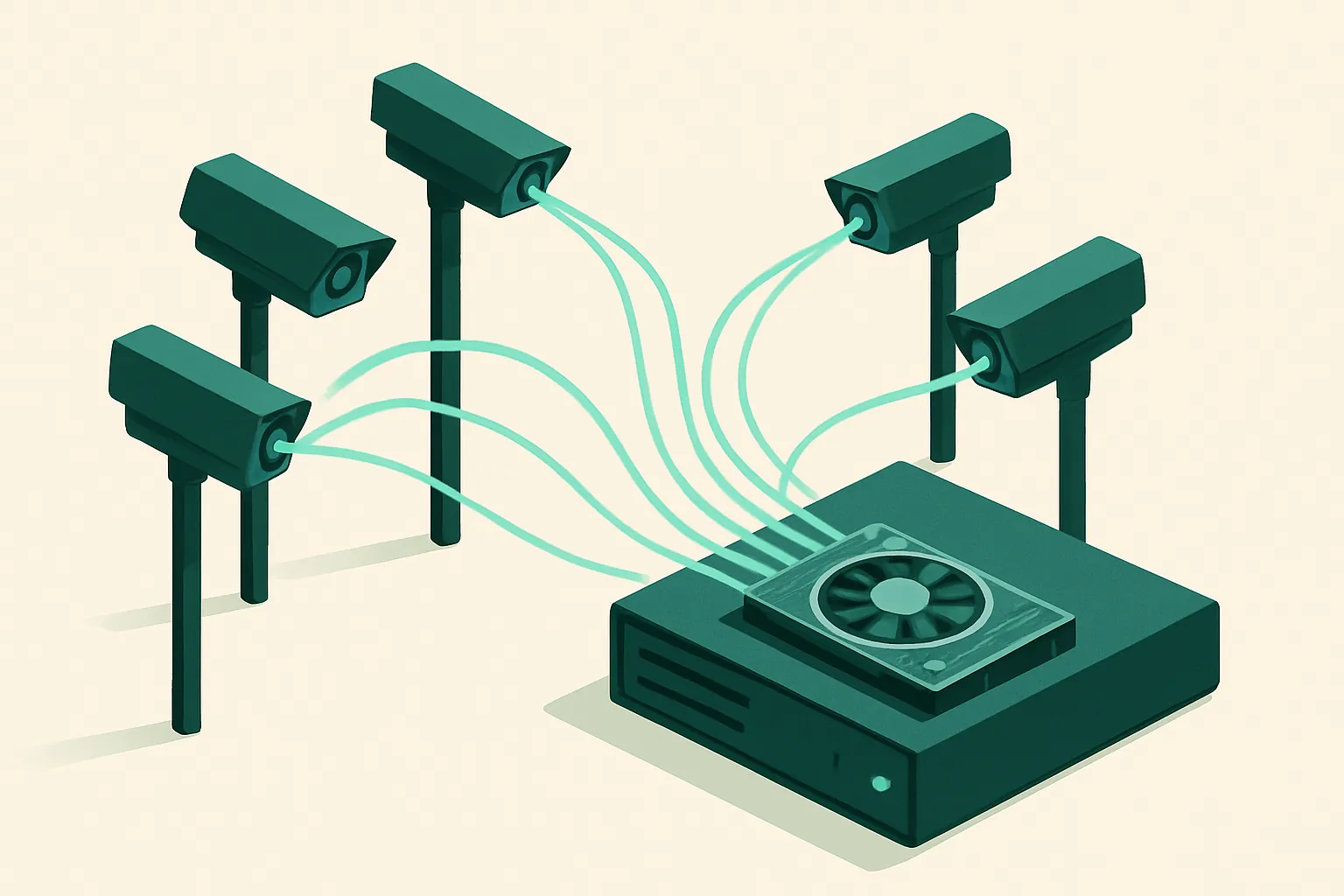
Short answer: the best GPU for computer vision by tier
Most computer vision models are small next to language models. YOLO11 detection models run from 2.6M to 56.9M parameters, so weights rarely decide the GPU. Batch size, image resolution, the data pipeline and, for video, hardware decode decide it instead.
That splits the choice in two. Inference and video analytics reward efficient cards with video engines. Training rewards memory for large batches and enough CPU and storage to feed the GPU.
| Workload tier | Example | Candidate GPUs | Why |
|---|---|---|---|
| Image inference API | YOLO or ViT classifier behind an endpoint | T4, L4 | Low power, TensorRT support, 16 to 24 GB |
| Multi-camera video analytics | Detection and tracking on RTSP streams | L4, T4, L40S for dense sites | Hardware NVDEC plus inference on one card |
| Training YOLO or fine-tuning ViT | Custom detector on 10K to 1M images | RTX 4090, RTX 5090, L40S, A10 | 24 to 48 GB for large batches |
| Large-scale training | ViT pretraining, segmentation on big datasets | A100 80GB, H100, multi-GPU | HBM bandwidth, NVLink, MIG for sharing |
References: Ultralytics YOLO11 documentation · NVIDIA T4 Tensor Core GPU · NVIDIA L4 Tensor Core GPU
Candidate GPUs for computer vision
These specifications come from NVIDIA product pages. For video, count the decoders: the L4 lists 4 NVDEC and 4 JPEG decoders at 72 W, and NVIDIA says a T4 can decode up to 38 full-HD streams at 70 W. The H100 lists 7 NVDEC and 7 JPEG decoders, useful for very dense pipelines.
For training, bandwidth and memory set the pace. The RTX 5090 offers 32 GB at 1,792 GB/s, the L40S 48 GB at 864 GB/s, and the A100 and H100 add HBM plus MIG, which splits one GPU into up to seven isolated instances for many small inference services.
| GPU | Memory | Bandwidth | Relevant features | Best for |
|---|---|---|---|---|
| T4 | 16 GB GDDR6 | 320+ GB/s | 70 W, INT8, up to 38 full-HD decode streams | Low-cost inference |
| L4 | 24 GB | 300 GB/s | 72 W, FP8, 2 NVENC, 4 NVDEC, 4 JPEG, AV1 | Video analytics, inference |
| A10 | 24 GB GDDR6 | 600 GB/s | 150 W, 1 encoder, 2 decoders | Inference and light training |
| RTX 4090 | 24 GB GDDR6X | 1,008 GB/s | Consumer card | YOLO training on a budget |
| RTX 5090 | 32 GB GDDR7 | 1,792 GB/s | FP4 Tensor Cores | Faster single-GPU training |
| L40S | 48 GB GDDR6 ECC | 864 GB/s | 3 NVENC, 3 NVDEC, AV1 | Large batches, dense video sites |
| A100 80GB | 80 GB HBM2e | 2,039 GB/s | MIG up to 7, NVLink | Multi-GPU training, shared inference |
| H100 SXM | 80 GB HBM3 | 3.35 TB/s | 7 NVDEC, 7 JPEG, MIG up to 7 | ViT pretraining, large datasets |
References: NVIDIA T4 Tensor Core GPU · NVIDIA L4 Tensor Core GPU · NVIDIA A10 Tensor Core GPU · NVIDIA GeForce RTX 4090 specifications · NVIDIA GeForce RTX 5090 · NVIDIA L40S specifications · NVIDIA A100 specifications · NVIDIA H100 specifications
Size a YOLO or ViT training job
Ultralytics publishes model sizes for YOLO11 at 640 pixels, its default training image size. Even YOLO11x has 56.9M parameters, so memory goes to activations, which grow with batch size and image size. Ultralytics can pick the batch for you: batch=-1 targets 60% of GPU memory, and a fraction such as batch=0.70 targets that share. Mixed precision (AMP) is on by default.
For Vision Transformers, the ViT paper splits an image into fixed-size patches and runs a standard Transformer over them. A 224-pixel image with 16-pixel patches makes 196 tokens; doubling the side to 448 makes 784 tokens, and attention cost grows faster than the token count. Resolution is the main sizing lever for ViT.
Feed the GPU. Ultralytics defaults to 8 data loader workers per GPU rank and can cache images in RAM or on disk. JPEG decoding and augmentation often bound CV training, so a fast GPU with a slow CPU sits idle. Check for that with low GPU utilization.
| YOLO11 model | Params (M) | FLOPs (B) | COCO mAP 50-95 | T4 TensorRT10 latency |
|---|---|---|---|---|
| YOLO11n | 2.6 | 6.5 | 39.5 | 1.5 ms |
| YOLO11s | 9.4 | 21.6 | 47.0 | 2.5 ms |
| YOLO11m | 20.1 | 68.1 | 51.5 | 4.7 ms |
| YOLO11l | 25.3 | 87.2 | 53.4 | 6.2 ms |
| YOLO11x | 56.9 | 195.3 | 54.7 | 11.3 ms |
References: Ultralytics YOLO11 documentation · Ultralytics training mode documentation · Dosovitskiy et al., An Image is Worth 16x16 Words (ViT)
Size inference and video analytics
The latency column above comes from Ultralytics’ own table for an NVIDIA T4 with TensorRT 10 at 640 pixels. It shows why the T4 and L4 remain common for inference: a small detector runs in a few milliseconds. Ultralytics now lists YOLO26 as its latest model, so check the current table before you choose.
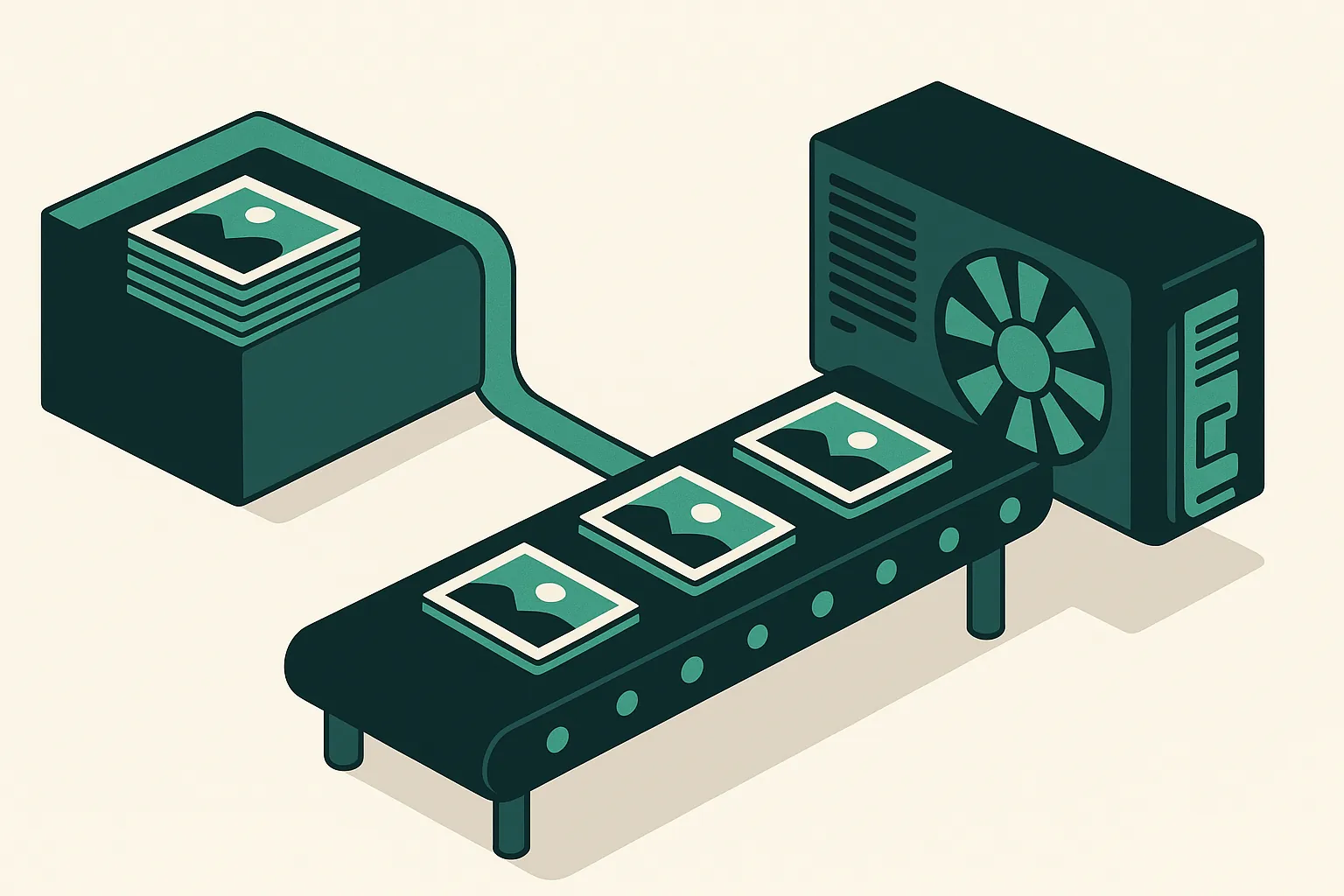
Video adds decode, resize and tracking around the model. NVIDIA DeepStream builds that pipeline on the GPU: frames are decoded by NVDEC, batched across streams by nvstreammux, and run through TensorRT. DeepStream’s overview gives no per-GPU stream count, so measure stream density on your own cameras, codec and model.
A rough ceiling helps. At 2.5 ms per frame, YOLO11s could in theory process 400 frames per second, or about 13 cameras at 30 fps. Decode, preprocessing and tracking cut that in practice, which is why the measured number, not the latency table, should set your camera count. Compare the two inference cards in L4 vs T4.
References: Ultralytics YOLO11 documentation · NVIDIA DeepStream SDK overview · NVIDIA T4 Tensor Core GPU · NVIDIA L4 Tensor Core GPU
Cost per result: illustrative numbers
For video analytics, price per camera-hour: the hourly GPU price divided by cameras per GPU. For batch image inference, price per million images: the hourly price divided by measured images per hour, times one million. For training, price per training run: hours to reach your target mAP times the hourly price.
The rows below use assumed prices and assumed densities, not benchmarks. A card with more decoders and memory can cost more per hour and still cost less per camera if it holds more streams. Current NeuraMesh rates are on GPU prices.
| Scenario | Assumed price per GPU-hour | Assumed measured capacity | Cost per result |
|---|---|---|---|
| Video analytics, small card | $0.40 | 8 cameras | $0.05 per camera-hour |
| Video analytics, larger card | $1.00 | 30 cameras | About $0.033 per camera-hour |
| Batch image inference | $0.50 | 500 images per second | About $0.28 per million images |
| YOLO training run | $0.80 | 6 hours to target mAP | $4.80 per run |
Decision rules
If you serve images or video and the model is under about 60M parameters, start with an L4 or T4 and move up only when measured stream density falls short. If you train detectors, pick the cheapest card where batch size and data loading keep the GPU busy; that is often a 24 to 32 GB consumer card. If you pretrain ViTs or train on millions of high-resolution images, move to A100 or H100 nodes, and read single GPU vs multi-GPU before scaling out.
| If | Then |
|---|---|
| Many low-resolution camera streams | L4 for decoders per watt; T4 for lowest cost |
| AV1 cameras or AV1 output | L4 or L40S, which list AV1 support |
| Custom YOLO detector training | RTX 4090 or RTX 5090; L40S for bigger batches |
| High-resolution ViT or segmentation | L40S, A100 80GB or H100 |
| Many small models on one GPU | A100 or H100 with MIG |
References: Ultralytics YOLO11 documentation · NVIDIA L4 Tensor Core GPU · NVIDIA T4 Tensor Core GPU
What to test first
For inference, export the model to TensorRT, then run a 30-minute load test with your real cameras or images. Record frames per second per stream, end-to-end latency and GPU memory, and raise the stream count until latency breaks your target. That count, not peak throughput, sets cost per camera-hour.
For training, run one epoch with batch=-1 and note images per second and GPU utilization. If utilization is low, raise workers or cache images before you rent a faster GPU. Then train to your target mAP once on two candidate GPUs and compare cost per run.
References: Ultralytics training mode documentation · NVIDIA DeepStream SDK overview · NVIDIA System Management Interface
Checklist and next step
Split the job into training and inference. For inference, count streams, codecs and resolution, and test on an L4 or T4 first. For training, fix image size and model size, let autobatch pick a batch, and confirm the data loader keeps up. Price every option per camera-hour, per million images or per training run.
Then rent the card that wins. NeuraMesh rents cloud GPUs by the hour, including the L4: choose a GPU, a plan, GPU count, hours and region on rent GPUs, and you receive a confirmed quotation, typically within one business day, with nothing charged until you approve. Unsure which tier fits? Ask the compute advisor.
NeuraMesh prices for these GPUs
| GPU | Memory | Data center | Value |
|---|---|---|---|
| RTX 4090 | 24 GB | $0.46 | $0.40 |
| L40S | 48 GB | $1.26 | $0.54 |
| A100 | 80 GB | $1.56 | $0.98 |
| H100 | 80 GB | $2.88 | $2.00 |
Every order is confirmed in a quotation before you pay. See all GPU prices.
Questions readers ask
What is the best GPU for computer vision inference?
For most models, an L4 or T4. Both draw about 70 W, run TensorRT and include hardware video decoders. The L4 adds 24 GB, FP8 and AV1 support. Measure stream density on your own pipeline before you choose.
How much VRAM do I need to train YOLO?
Less than you might think for the weights: YOLO11x has 56.9M parameters. Memory goes to activations, so it scales with batch size and image size. Set batch=-1 and Ultralytics sizes the batch to 60% of your card’s memory; a smaller card simply trains with a smaller batch.
Is the RTX 4090 good for computer vision training?
Yes for single-GPU detector and classifier training. It has 24 GB at 1,008 GB/s. It lacks NVLink, so multi-GPU scaling is limited to PCIe; for large distributed runs, use A100 or H100 nodes.
How many camera streams can one GPU handle?
It depends on codec, resolution, frame rate and model. NVIDIA says a T4 can decode up to 38 full-HD streams, but inference and tracking add work. Run a load test and raise streams until latency breaks your target.
Do I need an H100 for computer vision?
Rarely for inference. It pays off for ViT pretraining, high-resolution segmentation on large datasets, or packing many small models with MIG. For most detection work, smaller cards cost less per result.
Sources and editorial notes
- Ultralytics YOLO11 documentation
- NVIDIA T4 Tensor Core GPU
- NVIDIA L4 Tensor Core GPU
- NVIDIA A10 Tensor Core GPU
- NVIDIA GeForce RTX 4090 specifications
- NVIDIA GeForce RTX 5090
- NVIDIA L40S specifications
- NVIDIA A100 specifications
- NVIDIA H100 specifications
- Ultralytics training mode documentation
- Dosovitskiy et al., An Image is Worth 16x16 Words (ViT)
- NVIDIA DeepStream SDK overview
- NVIDIA System Management Interface
Primary documentation reviewed November 24, 2026. Provider descriptions reflect published documentation. Recommendations are our analysis; worked figures are illustrative unless explicitly stated otherwise. No independent provider benchmark or uptime ranking is claimed.
Need this GPU? Rent it from NeuraMesh: choose a GPU and plan, get a confirmed quotation, and pay only when you approve. See pricing.