Three different reasons to add GPUs
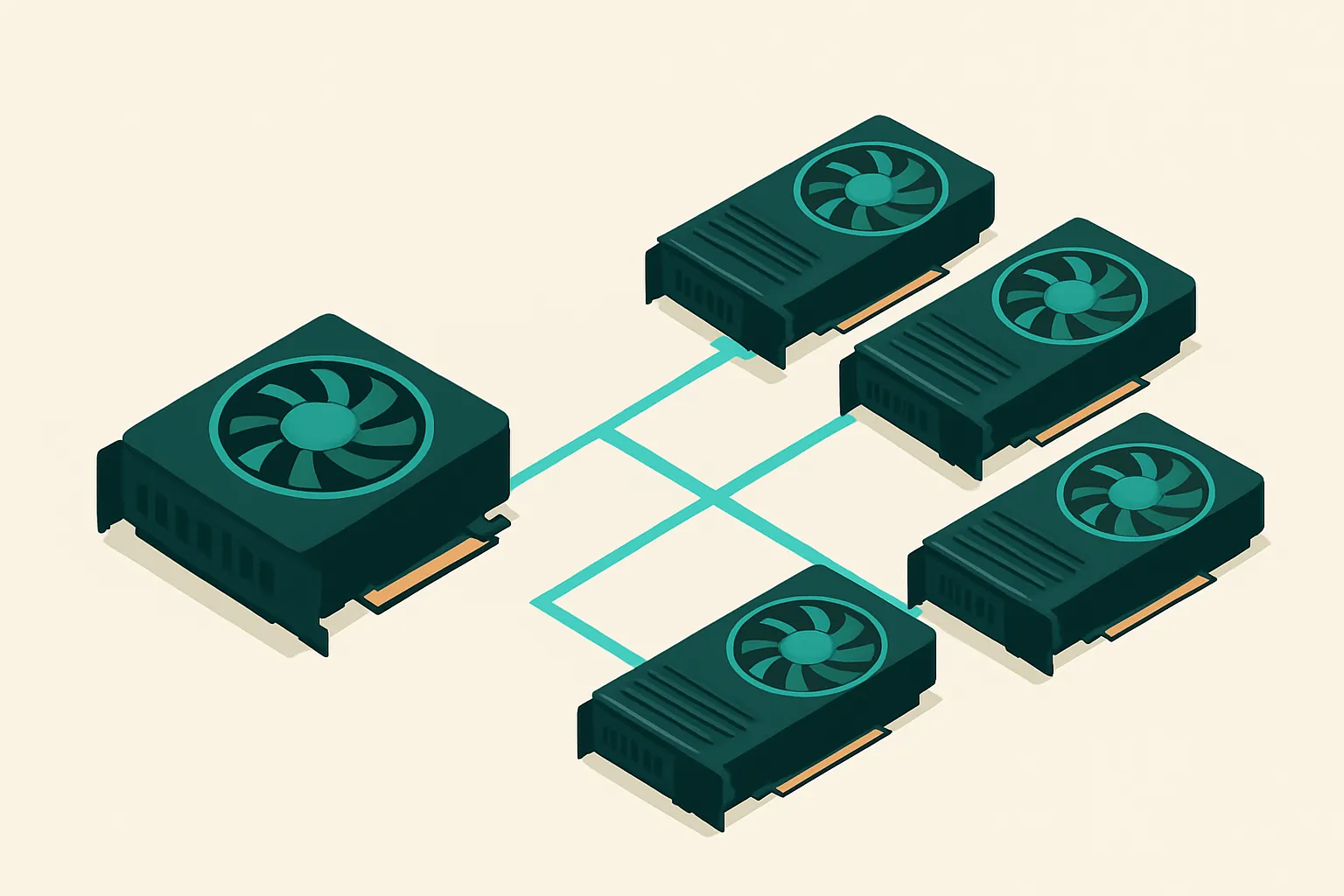
Multi-GPU is not one thing. Running four independent copies of a job, training one model with data parallelism, and splitting one model across devices have very different costs and requirements. Write down which one you have before you request more GPUs.
Independent jobs, such as hyperparameter sweeps or separate inference replicas behind a load balancer, barely talk to each other. They scale almost perfectly and can run on separate machines. Data-parallel training keeps a full model copy on each GPU and averages gradients every step. PyTorch’s DistributedDataParallel does this by grouping gradients into buckets and starting an all-reduce on each bucket as soon as it is ready, so communication overlaps with the rest of the backward pass. Model parallelism, such as tensor or pipeline parallelism, splits one model across GPUs and communicates inside every forward and backward pass, which makes it the most sensitive to the link between devices.
| Pattern | Why you use it | Communication | Typical scaling |
|---|---|---|---|
| Independent jobs or replicas | More throughput | Almost none | Close to linear |
| Data parallel training | Finish one run sooner | Gradient all-reduce every step | Good with a fast link |
| Tensor or pipeline parallel | Model does not fit one GPU | Inside every layer or stage | Needs NVLink-class links |
References: PyTorch Distributed Data Parallel design notes
The single GPU vs multi-GPU cost formula
Let T1 be the time on one GPU and TN the time on N GPUs. Speedup is S = T1 ÷ TN, and scaling efficiency is E = S ÷ N. The multi-GPU run uses N × TN GPU-hours against T1 for the single GPU, so at the same per-GPU rate its cost ratio is N × TN ÷ T1 = 1 ÷ E.
That gives a clean rule: you pay for inefficiency directly. At E = 0.9 the run costs 11% more; at 0.75, 33% more; at 0.5, twice as much. Perfect scaling only breaks even on cost. Multi-GPU therefore never saves money on a job that fits one GPU at the same rate; it buys time, and the question is whether the time is worth the premium.
Amdahl’s law explains why efficiency falls as N grows. If a fraction f of the work parallelizes and the rest does not, the best speedup is 1 ÷ ((1 − f) + f ÷ N). With f = 0.95, four GPUs give at most 3.5x and eight give at most 5.9x, before any communication cost. Data loading, logging, evaluation and checkpoint writes are typical serial parts.

Worked example: faster, but dearer
These are illustrative timings, not measurements. A fine-tuning job takes 8 hours on one GPU. On two it takes 4.3 hours, on four 2.4 hours, and on eight 1.5 hours. Efficiency drops from 93% to 67% as communication and serial steps take a larger share.
Eight GPUs finish 6.5 hours sooner but use 12 GPU-hours instead of 8, a 50% premium. Whether that is a good purchase depends entirely on what the time is worth, which the next section prices.
| GPUs | Elapsed time | Speedup | Efficiency | GPU-hours | Cost vs 1 GPU |
|---|---|---|---|---|---|
| 1 | 8.0 h | 1.00x | 100% | 8.0 | 1.00x |
| 2 | 4.3 h | 1.86x | 93% | 8.6 | 1.08x |
| 4 | 2.4 h | 3.33x | 83% | 9.6 | 1.20x |
| 8 | 1.5 h | 5.33x | 67% | 12.0 | 1.50x |
Pricing the time you save
Turn the premium into a price per hour saved. Extra GPU-hours are N × TN − T1, and time saved is T1 − TN. Scaling out is worth it when an hour of earlier results is worth more than R × extra GPU-hours ÷ hours saved, where R is the rate per GPU-hour.
In the example, going from one GPU to two costs 0.6 extra GPU-hours to save 3.7 hours, about 0.16 R per hour saved. Four GPUs cost about 0.29 R per hour saved. Eight GPUs cost about 0.62 R per hour saved on average, but look at the last step alone: going from four to eight adds 2.4 GPU-hours to save 0.9 hours, or 2.7 R per hour saved. The marginal step is where scaling usually stops paying.
A researcher waiting on results, a launch deadline, or a GPU booking that ends at a fixed time can each justify a high value per hour. An overnight job that nobody reads until morning is worth almost nothing per hour saved, so one or two GPUs is the better buy.
Communication: NVLink vs PCIe
The link between GPUs sets how much efficiency you lose to communication. NVIDIA lists 900 GB/s NVLink and 128 GB/s PCIe Gen5 for the H100 SXM, 600 GB/s NVLink for the A100 80GB SXM, and states that the GeForce RTX 4090 does not support NVLink, so consumer cards exchange data over PCIe. These are vendor peak figures; what an all-reduce achieves is lower and has to be measured.
Here is how to estimate the cost. NCCL’s performance notes give the best-case all-reduce time as data size ÷ bus bandwidth × 2(n − 1) ÷ n. A 3B-parameter model has about 6 GB of BF16 gradients, so on 8 GPUs each step moves about 10.5 GB of all-reduce traffic. At an assumed 300 GB/s achieved bus bandwidth that takes about 0.035 seconds; at an assumed 25 GB/s it takes about 0.42 seconds.
If the compute part of a step takes 0.5 seconds, the faster link costs a few percent even without overlap, while the slower one can push the step toward 0.9 seconds and efficiency toward the mid-50s. DDP’s overlap hides some of that, but not all. This is why the same eight-GPU job can scale well on one machine and poorly on another, and why multi-server training also depends on the network between hosts.
References: NVIDIA H100 specifications · NVIDIA A100 specifications · NVIDIA GeForce RTX 4090 specifications · nccl-tests performance notes: algbw and busbw · PyTorch Distributed Data Parallel design notes
When memory forces the decision
Sometimes the choice is made for you. A 70B-parameter model in BF16 needs about 140 GB for weights alone, which does not fit an 80 GB H100, so serving it at that precision needs at least two GPUs with tensor parallelism, plus room for the KV cache. Our LLM VRAM budget guide shows how to add up weights, cache and activations.
Before splitting a model, test the single-device alternatives. Quantizing to FP8 roughly halves the weight memory, and a larger-memory GPU can hold the whole model; the H200 vs H100 comparison works through that trade. A single larger GPU often costs less per result than two smaller ones once you count communication, even at a higher hourly rate, because there is nothing to synchronize.
For fine-tuning, parameter-efficient methods change the picture too. LoRA trains small adapter matrices instead of full weights, which can bring a job that needed several GPUs back onto one; see LoRA fine-tuning budget.
References: NVIDIA H100 specifications
Failure cases for adding GPUs
The single GPU is not busy. If one GPU waits on data loading or CPU preprocessing, adding more multiplies the waiting. Fix the input pipeline and measure again first.
The model is small. When each step is short, fixed communication and launch overhead dominate and efficiency collapses. Run independent jobs on separate GPUs instead.
The global batch changes. In data parallel training, the global batch is the per-GPU batch times N. A larger batch can need a different learning rate or more steps to reach the same quality, so a faster run that reaches a worse model is not a saving.
Failure exposure grows. A synchronous job stops when any of its GPUs fails, so eight GPUs see roughly eight times the failure rate of one. Checkpoint more often as N grows; the spot vs on-demand GPU comparison has the lost-work formula.
Test procedure before you scale
First, check the single GPU. Watch utilization during a real run and confirm it stays high; if not, fix the pipeline. Second, check the topology with nvidia-smi topo -m, which shows whether each GPU pair is connected by NVLink or only through PCIe and the host. Third, measure the link with nccl-tests, for example all_reduce_perf -b 8 -e 128M -f 2 -g 8 on eight GPUs, and note the bus bandwidth at the message sizes your gradients use.
Then run the real job for a fixed number of steps on 1, 2, 4 and 8 GPUs, with the same model, precision and data. Record time per step and compute speedup, efficiency and GPU-hours as in the example table. Check that the larger global batch still reaches your quality target. Choose the largest N whose marginal cost per hour saved is still below what the time is worth to you.
References: NVIDIA System Management Interface · NVIDIA nccl-tests
Single and multi-GPU rentals on NeuraMesh
NeuraMesh lets you set the GPU count on the order and choose a plan: Data center, in professional facilities, for production work and long runs, or Value, on independent hosts at the lowest price, for experiments and restartable jobs. If your job depends on GPUs sharing one host or a specific interconnect, say so when you request the quote and confirm it in the quotation. Quotations arrive by email, typically within one business day, and nothing is charged until you approve; the minimum order is $50.
For 8 or more GPUs, a cluster or a monthly term, request a volume quote through the contact form. Single-GPU and multi-GPU rates for each model are on pages such as rent an H100 and rent an A100.
NeuraMesh prices for these GPUs
| GPU | Memory | Data center | Value |
|---|---|---|---|
| RTX 4090 | 24 GB | $0.46 | $0.40 |
| L40S | 48 GB | $1.26 | $0.54 |
| A100 | 80 GB | $1.56 | $0.98 |
| H100 | 80 GB | $2.88 | $2.00 |
Every order is confirmed in a quotation before you pay. See all GPU prices.
Questions readers ask
Do four GPUs give four times the performance?
Rarely for one training job. Communication between GPUs and serial steps such as data loading cap the speedup; Amdahl’s law limits a 95% parallel job to about 3.5x on four GPUs. Independent jobs or inference replicas come closest to linear because they barely communicate.
Single GPU vs multi-GPU: should I optimize for elapsed time or GPU-hours?
Track both. GPU-hours set the bill and elapsed time sets when you get results. At equal rates the multi-GPU run costs 1 ÷ efficiency times as much, so decide how much an hour saved is worth and stop adding GPUs when the marginal cost per hour saved exceeds it.
Does multi-GPU training need NVLink?
Not always, but it helps a lot for synchronous training and is close to required for tensor parallelism. NVIDIA lists 900 GB/s NVLink against 128 GB/s PCIe Gen5 for the H100 SXM. Data-parallel training of small models and independent jobs can work over PCIe; measure with nccl-tests.
Is one bigger GPU better than two smaller ones?
Often, when the model fits on the bigger one. A single device avoids communication, synchronization and the higher failure exposure of a multi-GPU job. Compare cost per completed result, not hourly rate: a GPU that costs more per hour can still be cheaper per result.
How do I measure scaling efficiency?
Run a fixed number of training steps on 1, 2, 4 and 8 GPUs with the same model and precision. Speedup is single-GPU time divided by N-GPU time, and efficiency is speedup divided by N. Also confirm the larger global batch reaches the same quality.
Sources and editorial notes
- PyTorch Distributed Data Parallel design notes
- NVIDIA H100 specifications
- NVIDIA A100 specifications
- NVIDIA GeForce RTX 4090 specifications
- nccl-tests performance notes: algbw and busbw
- NVIDIA System Management Interface
- NVIDIA nccl-tests
Primary documentation reviewed October 9, 2026. Provider descriptions reflect published documentation. Recommendations are our analysis; worked figures are illustrative unless explicitly stated otherwise. No independent provider benchmark or uptime ranking is claimed.
Need this GPU? Rent it from NeuraMesh: choose a GPU and plan, get a confirmed quotation, and pay only when you approve. See pricing.