CUDA defined
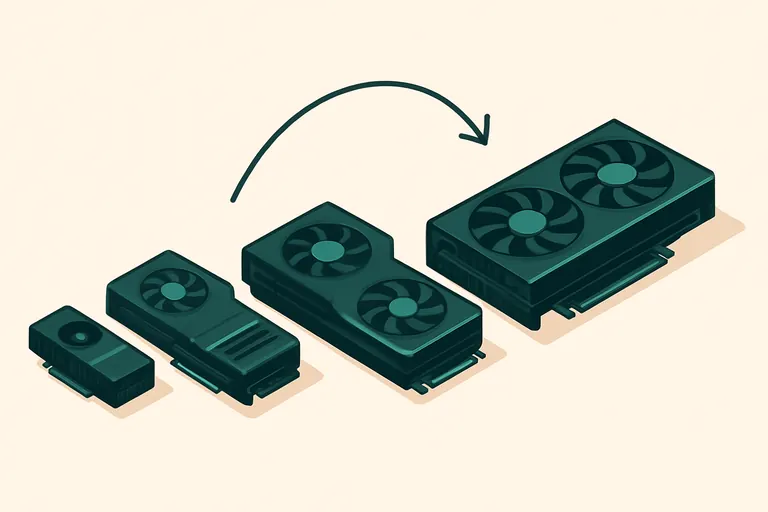
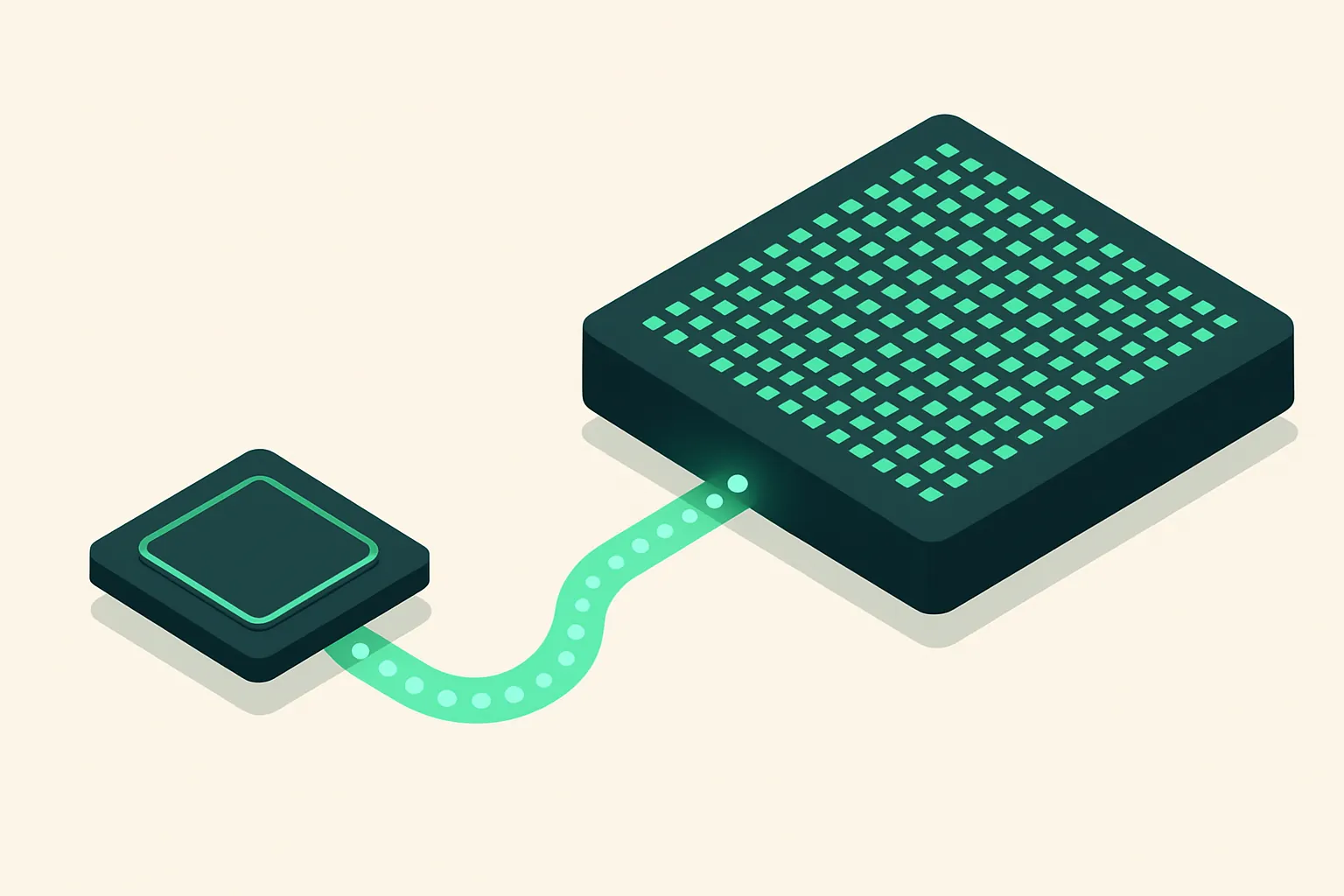
NVIDIA’s programming guide calls it a parallel computing platform and programming model developed by NVIDIA. In plain terms, it lets ordinary programs hand large, repetitive math to the GPU. A CPU has a few dozen fast cores; a data center GPU runs tens of thousands of threads at once. The platform is how code reaches those threads.
The name covers several layers: a language extension for C and C++, a compiler (nvcc), a runtime library, a driver API, and a large set of tuned libraries. The toolkit page lists GPU-accelerated libraries, debugging and optimization tools, a C/C++ compiler and a runtime library. As of November 2026, NVIDIA’s release notes document version 13.5.
Most AI engineers never write a kernel. They call PyTorch, which calls cuBLAS for matrix multiplies, cuDNN for neural-network operations and NCCL to move data between GPUs. But every one of those calls depends on the platform and a matching driver.
References: NVIDIA CUDA C++ Programming Guide · NVIDIA CUDA Toolkit · NVIDIA CUDA Toolkit release notes
How it works: kernels, threads, blocks and warps
A function that runs on the GPU is called a kernel. The CPU, called the host, launches it, and the GPU, called the device, runs it on many threads at once. Threads are grouped into thread blocks, and blocks form a grid. All threads of one block run on a single streaming multiprocessor (SM) and can share fast on-chip memory.
Inside a block, threads run in groups of 32 called warps. A warp executes in a single-instruction, multiple-thread (SIMT) style: all 32 threads run the same instruction, and threads that take a different branch are masked off for a while. Code that keeps warps on the same path runs fastest.
Worked example: add two vectors of 1 million numbers. The host copies both vectors to GPU memory, launches a kernel with blocks of 256 threads, so 3,907 blocks, and each thread adds one pair. The result is copied back. On a GPU the add itself is trivial; the copies across PCIe usually take longer, which is why real AI code keeps data on the GPU between steps.
| Term | What it is | Why it matters |
|---|---|---|
| Kernel | A function launched on the GPU | Every GPU operation in PyTorch is one or more kernels |
| Thread | One instance of the kernel | Thousands run at once |
| Warp | A group of 32 threads run in lockstep | Divergent branches slow it down |
| Thread block | A group of threads on one SM | Can share on-chip memory |
| Grid | All blocks of one kernel launch | Sized to cover the data |
| Host / device | The CPU side and the GPU side | Copies between them cost time |
References: NVIDIA CUDA programming guide: programming model
The CUDA toolkit, libraries and the AI stack
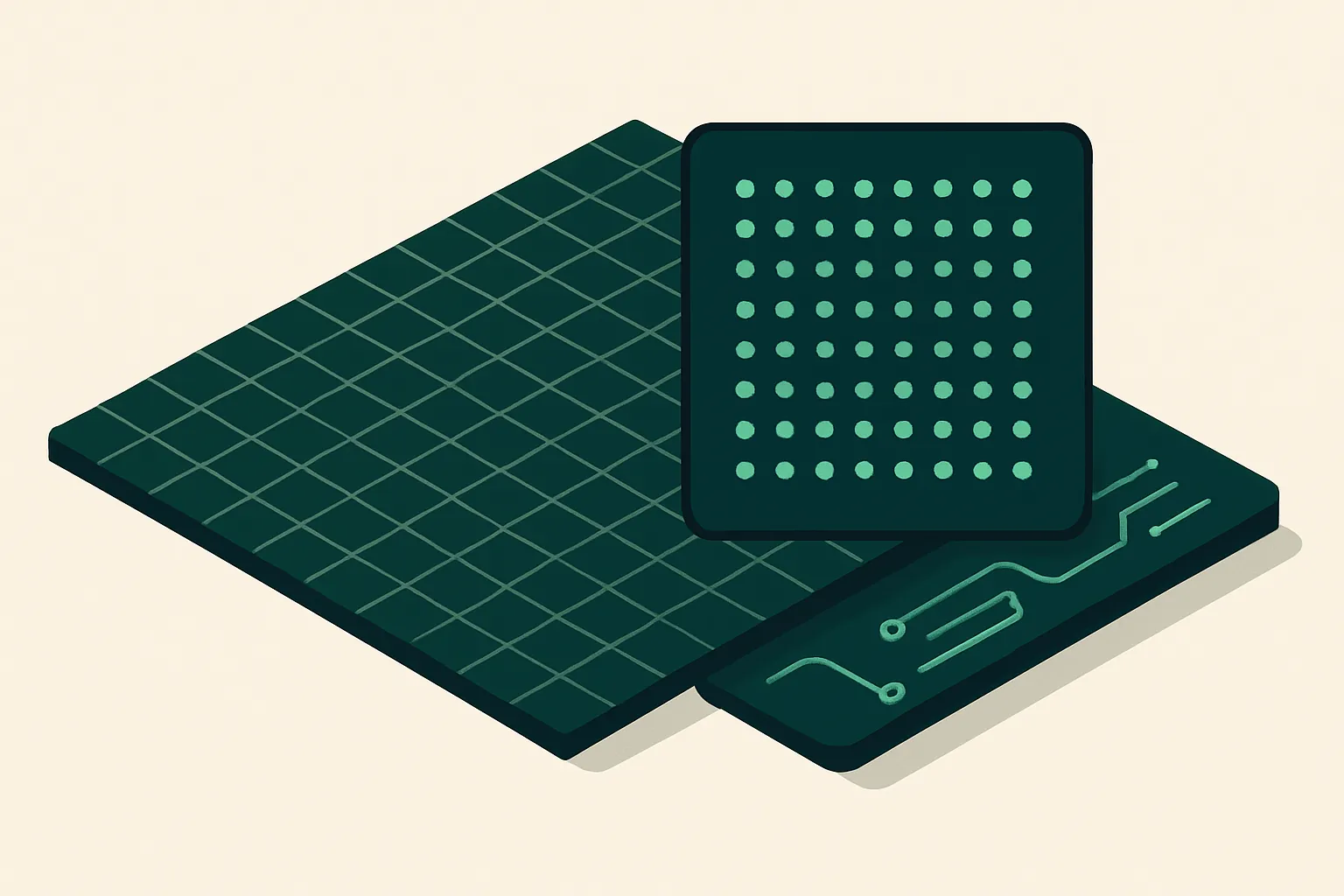
The libraries are where the speed comes from. cuBLAS handles dense linear algebra, cuDNN provides tuned building blocks for neural networks, and NCCL implements topology-aware collectives such as all-reduce, all-gather, reduce-scatter and all-to-all over PCIe, NVLink, InfiniBand and IP sockets. Distributed training in PyTorch, DeepSpeed and Megatron runs its gradient traffic through NCCL.
Serving engines add their own kernels on top. vLLM, for example, selects attention kernels such as FlashAttention depending on the GPU generation. Those kernels are compiled for specific architectures, so the GPU you rent decides which fast paths you get.
References: NVIDIA CUDA Toolkit · NVIDIA NCCL user guide overview
Compute capability and GPU generations
Each NVIDIA GPU has a compute capability, a version number for its features. Toolkits and prebuilt libraries target ranges of these numbers, and features such as 8-bit float tensor math depend on them. The table lists the GPUs NeuraMesh rents, from NVIDIA’s list.
NVIDIA’s architecture matrix shows Blackwell support (10.0 and 12.0) beginning with toolkit 12.8, and lists 12.x as the last release family for Volta, Pascal and Maxwell. Older cards therefore cannot use the newest toolkit.
| GPU | Architecture | Compute capability |
|---|---|---|
| T4 | Turing | 7.5 |
| A100 | Ampere | 8.0 |
| A10, RTX A6000, RTX 3090 | Ampere | 8.6 |
| L4, L40S, RTX 4090 | Ada Lovelace | 8.9 |
| H100, H200 | Hopper | 9.0 |
| B200 | Blackwell | 10.0 |
| RTX 5090, RTX PRO 6000 Blackwell | Blackwell | 12.0 |
References: NVIDIA CUDA GPU compute capability list · NVIDIA CUDA toolkit, driver and architecture matrix
Driver versions and compatibility
The version shown in nvidia-smi is not the toolkit you installed. NVIDIA’s matrix says the driver reports the maximum version it supports, so it can run applications built with that version or older. Check the toolkit separately with nvcc --version.
Minor version compatibility lets an application built with any release in a major family run on a sufficiently new driver: NVIDIA’s table lists driver 525 or newer for the 12.x family and 580 or newer for 13.x. Data center GPUs can also use a forward compatibility package (cuda-compat) to run newer toolkits on older base drivers, subject to platform support.
On a rented GPU, ask which driver branch is installed before you choose a framework build or container image. Mismatches show up as errors such as driver version is insufficient or a framework that cannot see the GPU.
References: NVIDIA CUDA toolkit, driver and architecture matrix · NVIDIA CUDA Toolkit release notes · NVIDIA CUDA compatibility guide
Costs, alternatives and misconceptions
The platform itself is free to download. What it costs you is lock-in: code written against it runs on NVIDIA GPUs. AMD’s ROCm and HIP are the main alternative; the ROCm comparison covers porting effort, and MI300X vs H100 covers the hardware.
Misconception one: the number of cores tells you AI speed. AI math runs mostly on tensor cores, and memory bandwidth often limits it, so compare tensor throughput and memory instead. Misconception two: you must install the full toolkit to use PyTorch. PyTorch maintainers explain on the project forum that the pip and conda packages ship the runtime libraries they need, so you mainly need a recent enough driver; a local toolkit matters when you compile custom extensions or build from source. Misconception three: nvidia-smi shows the installed toolkit. It shows the driver’s ceiling.
Related terms: tensor cores, VRAM, compute capability, NCCL and cuDNN.
References: NVIDIA CUDA toolkit, driver and architecture matrix · PyTorch forums: is a local toolkit required before installing PyTorch
Checklist and next step
Check the GPU’s compute capability. Check the driver’s maximum supported version in nvidia-smi. Pick a framework build or container that matches both. Keep data on the GPU between steps, and profile before you blame the hardware. Use the libraries before writing your own kernels, and test your container on one GPU before you scale out.
NeuraMesh rents NVIDIA GPUs from the T4 to the B200 by the hour. Choose a GPU, plan, count, hours and region on rent GPUs, and receive a confirmed quotation before you pay. The compute advisor can suggest a GPU for your stack.
NeuraMesh prices for these GPUs
| GPU | Memory | Data center | Value |
|---|---|---|---|
| RTX 4090 | 24 GB | $0.46 | $0.40 |
| L40S | 48 GB | $1.26 | $0.54 |
| A100 | 80 GB | $1.56 | $0.98 |
| H100 | 80 GB | $2.88 | $2.00 |
Every order is confirmed in a quotation before you pay. See all GPU prices.
Questions readers ask
What is CUDA used for in AI?
It is the layer that lets frameworks like PyTorch run math on NVIDIA GPUs. Matrix multiplies, attention and GPU-to-GPU communication all go through its libraries, such as cuBLAS, cuDNN and NCCL.
Is it a programming language?
Not exactly. It is a platform and programming model with extensions to C and C++, a compiler, a runtime and libraries. Most AI users reach it through Python frameworks.
Why does nvidia-smi show a different version than nvcc?
nvidia-smi shows the highest version the driver supports. nvcc --version shows the toolkit you installed. They are often different, and that is normal.
Does it work on AMD GPUs?
No. It targets NVIDIA GPUs. AMD offers ROCm and HIP, which can port much of the same code.
What is compute capability?
A version number for an NVIDIA GPU’s feature set, such as 8.0 for the A100 or 9.0 for the H100. Libraries and features such as 8-bit float math depend on it.
Sources and editorial notes
- NVIDIA CUDA C++ Programming Guide
- NVIDIA CUDA Toolkit
- NVIDIA CUDA Toolkit release notes
- NVIDIA CUDA programming guide: programming model
- NVIDIA NCCL user guide overview
- NVIDIA CUDA GPU compute capability list
- NVIDIA CUDA toolkit, driver and architecture matrix
- NVIDIA CUDA compatibility guide
- PyTorch forums: is a local toolkit required before installing PyTorch
Primary documentation reviewed November 24, 2026. Provider descriptions reflect published documentation. Recommendations are our analysis; worked figures are illustrative unless explicitly stated otherwise. No independent provider benchmark or uptime ranking is claimed.
Need this GPU? Rent it from NeuraMesh: choose a GPU and plan, get a confirmed quotation, and pay only when you approve. See pricing.