What AI inference means
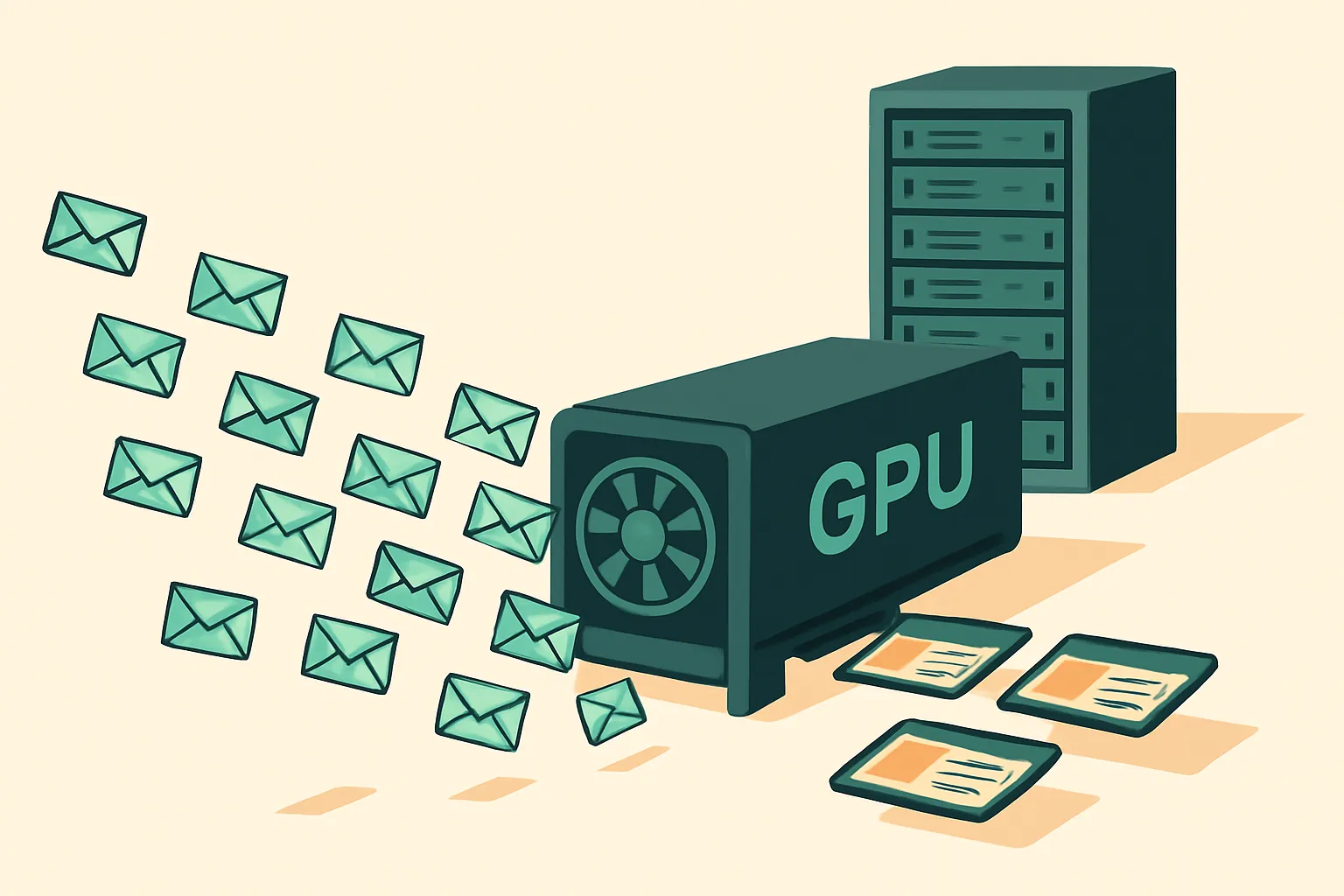
NVIDIA's glossary defines inference as the process where a trained model generates new outputs by reasoning and making predictions on new data. Training adjusts a model's weights over many passes through a dataset. Inference takes those fixed weights and applies them to each new request, again and again, for as long as the product runs.
That difference shapes everything. Training is a project with an end date, measured in GPU-hours to reach a target quality. Inference is a running service, measured in latency, throughput and cost per request or per token. NVIDIA notes that inference is tuned for speed and efficiency with methods such as speculative decoding, quantization, pruning and layer fusion.
| Aspect | Training | Inference |
|---|---|---|
| Goal | Learn weights from data | Use weights to answer requests |
| Work per step | Forward and backward pass, weight update | Forward pass only |
| Duration | Hours to months, then stops | Continuous while the product is live |
| Main metric | Time and cost to a target quality | Latency, throughput, cost per token |
| Memory | Weights, gradients, optimizer state, activations | Weights, KV cache, activations |
| Scaling pattern | Many GPUs tightly linked for one job | Replicas added as traffic grows |
References: NVIDIA glossary: AI inference
How LLM inference works: prefill and decode
A language model request has two phases. Prefill reads the whole prompt in one pass, which is compute-heavy, and stores attention keys and values in the KV cache. Decode then generates one token per step, reading all the weights and the cache each time, which is limited mostly by memory bandwidth at small batch sizes.
Each phase has its own metric. Time to first token covers queueing, prefill and network time. Inter-token latency and tokens per second cover decode. NVIDIA's benchmarking guide writes end-to-end latency as time to first token plus generation time, so a short answer is dominated by prefill and a long one by decode.
Reasoning models change the balance. NVIDIA notes that test-time scaling has models run a sequence of inference passes, improving output but demanding more compute. Long chains of thought mean far more decode tokens per request.
References: NVIDIA NIM LLM benchmarking: metrics · NVIDIA glossary: AI inference
The serving stack
Running a model in production takes more than the model file. The layers below are common to most self-hosted deployments. Managed model APIs hide all of them behind a per-token price, and that trade-off is worth weighing before you rent hardware.
| Layer | What it does | Examples |
|---|---|---|
| GPU and memory | Holds weights and cache, runs the math | H100, H200, L40S, RTX 4090 |
| Driver and runtime | Exposes the GPU to software | NVIDIA driver, CUDA |
| Inference engine | Batching, cache management, kernels | vLLM, SGLang, llama.cpp, TensorRT-LLM |
| API server | Accepts requests, streams tokens | OpenAI-compatible endpoints built into engines |
| Routing and scaling | Spreads load, adds or removes replicas | Load balancer, Kubernetes, autoscaler |
| Monitoring | Tracks latency, throughput, errors | Prometheus metrics from the engine |
References: vLLM documentation: Optimization and tuning · SGLang documentation: Server arguments · llama.cpp server README

What drives AI inference cost
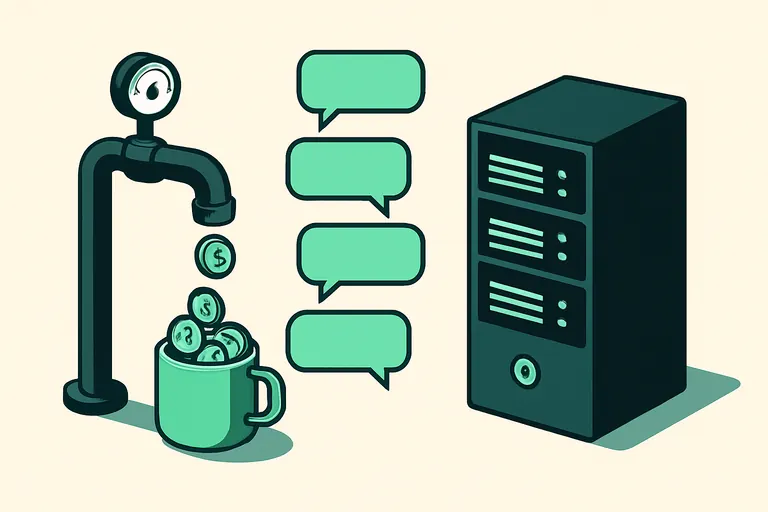
On a rented GPU, cost per token is the hourly price divided by tokens produced per hour. Everything else works through one of those two terms. NVIDIA's glossary notes that inference cost is usually measured per token, that low latency often raises cost because it needs more capable hardware, and that throughput techniques such as dynamic batching lower it.
Model size sets how much memory and bandwidth each token needs. Context length sets cache memory and therefore how many users share a GPU. The latency target caps how full you can run each GPU. Utilization decides how many paid hours produce tokens at all, as low GPU utilization explains.
| Cost driver | Why it matters | Lever |
|---|---|---|
| GPU hourly price | Numerator of cost per token | Right-size the GPU, commit for longer |
| Throughput per GPU | Denominator of cost per token | Continuous batching, larger cache budget |
| Model size and precision | Bytes read per token, memory needed | Quantization, smaller or MoE models |
| Context length | Cache memory per request | Shorter prompts, prefix caching, FP8 cache |
| Latency target | Limits how hard each GPU runs | Set realistic percentiles per use case |
| Utilization | Idle paid hours produce nothing | Autoscale, queue batch work, shut down idle GPUs |
References: NVIDIA glossary: AI inference
Worked example: cost per million tokens
The formula is: cost per million tokens = hourly price ÷ (output tokens per second × 3,600) × 1,000,000 ÷ utilization. The last term spreads idle hours over the tokens you do produce.
Illustrative figures only, not measurements or quotes. One GPU at an assumed $2 per hour produces an assumed 1,500 output tokens per second when busy. At full utilization that is about $0.37 per million output tokens. If traffic keeps it busy only 40% of the hours you pay for, the effective figure is about $0.93. Doubling throughput with better batching, at the same 40% use, brings it to about $0.46.
| Scenario (illustrative, $2/h) | Busy tokens/s | Utilization | Cost per million output tokens |
|---|---|---|---|
| Fully used | 1,500 | 100% | $0.37 |
| Bursty traffic | 1,500 | 40% | $0.93 |
| Bursty, better batching | 3,000 | 40% | $0.46 |
Measure and configure it in vLLM, SGLang and llama.cpp
vLLM's vllm bench serve reports TTFT, TPOT and inter-token latency percentiles plus output throughput, and the server exports Prometheus metrics such as vllm:time_to_first_token_seconds and vllm:kv_cache_usage_perc. Its main capacity settings are --gpu-memory-utilization, --max-model-len, --max-num-seqs and --max-num-batched-tokens.
SGLang exposes sglang:time_to_first_token_seconds, sglang:gen_throughput and sglang:token_usage with --enable-metrics, and is sized with --mem-fraction-static and --max-running-requests. llama.cpp's llama-bench measures prompt and generation speed, and llama-server takes -c, -np and -ngl for context, slots and GPU offload. For a full test plan, see benchmark LLM inference.
References: vLLM serving benchmark options · vLLM documentation: Metrics design · vLLM documentation: Optimization and tuning · SGLang documentation: Production metrics · SGLang documentation: Server arguments · llama.cpp llama-bench README · llama.cpp server README
Common misconceptions
These come up when teams plan their first deployment.
| Misconception | What is actually true |
|---|---|
| Inference is cheap because training is the expensive part | Inference runs continuously and can exceed training spend over a product's life |
| The fastest GPU is always the cheapest per token | Cost per token depends on price, throughput and utilization together |
| One latency number describes a service | Prefill and decode differ; report TTFT and inter-token latency as percentiles |
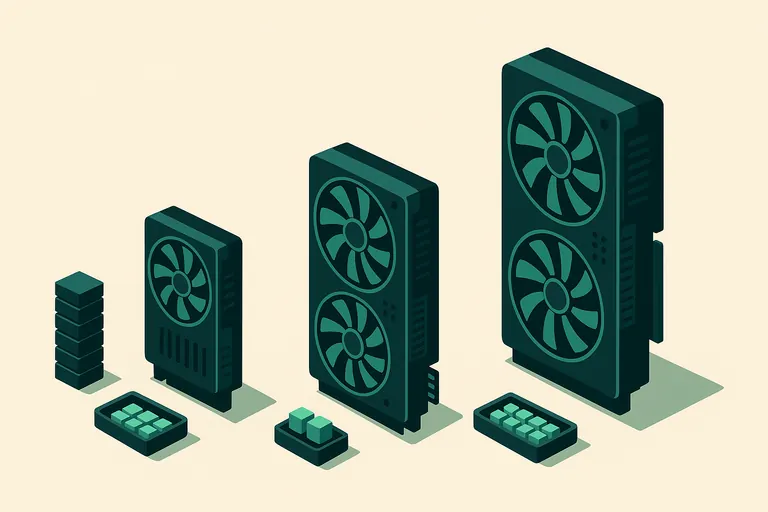
| Inference needs the same GPUs as training | Smaller or quantized models often run well on cheaper cards |
References: NVIDIA glossary: AI inference · NVIDIA NIM LLM benchmarking: metrics
Related terms
The KV cache, continuous batching, PagedAttention and speculative decoding are the main techniques inside modern engines. Time to first token and tokens per second are the two metrics most service targets use. GGUF is the file format for llama.cpp-style local serving.
Checklist and next step
Pick the model and precision. Estimate memory for weights plus cache at your context length. Choose an engine. Load test with realistic prompts and record TTFT, inter-token latency and aggregate throughput. Convert throughput and expected utilization into cost per million tokens. Then size GPUs for peak load with headroom.
NeuraMesh rents GPUs for inference by the hour: choose a GPU, a plan, GPU count, hours and region on rent GPUs, and you receive a confirmed quotation, typically within one business day, with nothing charged until you approve. The compute advisor can suggest a GPU for your model and traffic.
NeuraMesh prices for these GPUs
| GPU | Memory | Data center | Value |
|---|---|---|---|
| RTX 4090 | 24 GB | $0.46 | $0.40 |
| L40S | 48 GB | $1.26 | $0.54 |
| A100 | 80 GB | $1.56 | $0.98 |
| H100 | 80 GB | $2.88 | $2.00 |
Every order is confirmed in a quotation before you pay. See all GPU prices.
Questions readers ask
What is the difference between AI training and AI inference?
Training learns a model's weights from data through repeated forward and backward passes. Inference uses those fixed weights to answer new requests with forward passes only. Training ends; inference runs as long as the product serves users.
Why do GPUs matter for inference?
Generating each token reads all of a model's weights, so speed depends on memory bandwidth and capacity, which GPUs provide in large amounts. Batching many requests then uses the GPU's compute to serve them together.
How is inference cost measured?
Usually per token, or per million tokens, for language models. On rented hardware, divide the hourly GPU price by tokens produced per hour, and account for hours when the GPU sits idle.
Which engine should I use for AI inference on a GPU?
vLLM and SGLang are common choices for serving many concurrent users on data center GPUs, with OpenAI-compatible servers built in. llama.cpp suits quantized models on a single GPU or smaller cards. Test two engines with your model and traffic before you commit.
Can inference run on a cheaper GPU than training?
Often, yes. Inference needs no gradients or optimizer state, and quantized weights shrink memory further, so a model trained on large data center GPUs can frequently be served on smaller ones.
Sources and editorial notes
- NVIDIA glossary: AI inference
- NVIDIA NIM LLM benchmarking: metrics
- vLLM documentation: Optimization and tuning
- SGLang documentation: Server arguments
- llama.cpp server README
- vLLM serving benchmark options
- vLLM documentation: Metrics design
- SGLang documentation: Production metrics
- llama.cpp llama-bench README
Primary documentation reviewed November 24, 2026. Provider descriptions reflect published documentation. Recommendations are our analysis; worked figures are illustrative unless explicitly stated otherwise. No independent provider benchmark or uptime ranking is claimed.
Need this GPU? Rent it from NeuraMesh: choose a GPU and plan, get a confirmed quotation, and pay only when you approve. See pricing.