Prerequisites: which GPU and how much VRAM
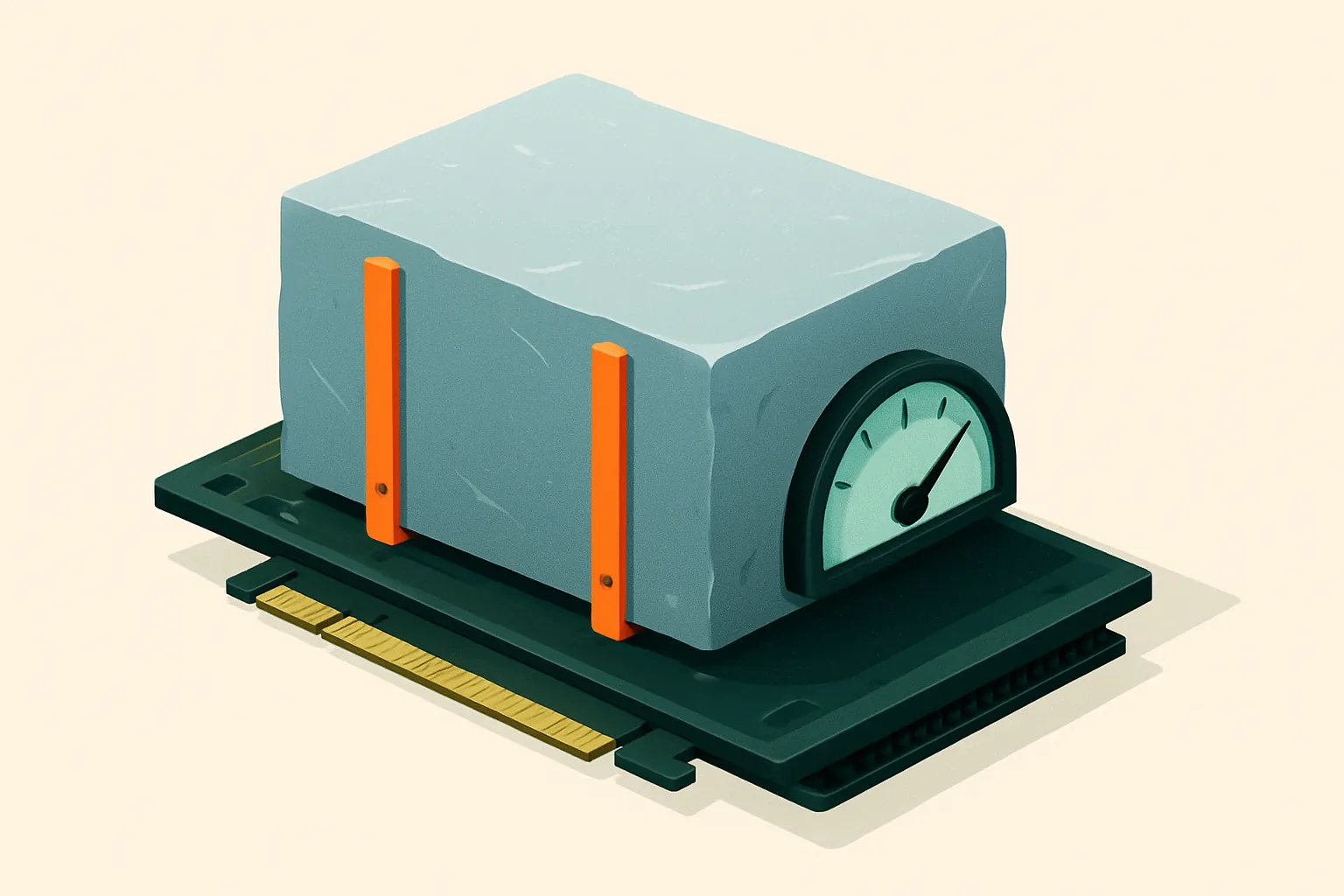
LoRA freezes the base model and trains small low-rank matrices added to chosen layers, so the optimizer state is tiny. The base weights still sit in GPU memory at full training precision. In bfloat16 that is about two bytes per parameter, before activations, the adapter and its optimizer state.
Use that arithmetic as a floor, then leave headroom for sequence length and batch size. The LLM VRAM requirements guide covers the full estimate. If the bfloat16 weights will not fit, switch to 4-bit loading as described in QLoRA fine-tuning on one GPU.
You also need Linux with a working NVIDIA driver, Python 3.10 or newer, several times the model size in free disk for downloads and checkpoints, and a Hugging Face account and access token if the model is gated. The table below is a starting point from weight arithmetic, not a measured benchmark.
| Base model size | bf16 weights (approx.) | Starting GPU for LoRA |
|---|---|---|
| 1-3B parameters | 2-6 GB | One 24 GB card such as RTX 4090 or L4 |
| 7-8B parameters | 14-16 GB | One 48 GB card such as L40S or RTX A6000 |
| 13-14B parameters | 26-28 GB | One 80 GB card such as A100 80GB or H100 |
| 30-34B parameters | 60-68 GB | One 80 GB card tight, or QLoRA instead |
| 70B parameters | ≈140 GB | Multi-GPU sharding, or QLoRA on one 80 GB card |
References: Hugging Face PEFT: LoRA · Hugging Face PEFT: LoRA developer guide
Step 1 and 2: check the GPU and install TRL with PEFT
Step 1. Run nvidia-smi and confirm the GPU model, total memory and driver version match what you rented. Then run python -c "import torch; print(torch.cuda.is_available(), torch.cuda.is_bf16_supported())". Both should print True on Ampere, Ada, Hopper or Blackwell cards.
Step 2. Create a virtual environment with python -m venv .venv and source .venv/bin/activate, then install with pip install "trl[peft]". TRL’s PEFT guide gives that exact extra. Run trl env afterwards; it prints the platform, GPU, CUDA, PyTorch, Transformers, TRL and PEFT versions, which you should save with your run.
For gated models such as Llama, accept the license on the model page first, then run hf auth login and paste a read token. Set HF_HOME to a path on the large local disk so model downloads do not fill the root volume.
References: Hugging Face TRL: PEFT integration · Hugging Face TRL: command line interfaces
Step 3: prepare the dataset in a format SFTTrainer reads
SFTTrainer accepts language-modeling data (a text field, or a messages list of role and content turns) and prompt-completion data (a prompt and a completion, plain or conversational). For conversational data the trainer applies the model’s chat template for you.
Prefer prompt-completion data for instruction tuning. By default the trainer computes loss only on the completion tokens for that format, so the model is not trained to reproduce your prompts. For multi-turn messages, assistant_only_loss=True restricts loss to assistant turns, but the chat template must contain generation markers; TRL patches known families such as Qwen3 automatically.
Save the data as JSON Lines and load it with load_dataset("json", data_files="train.jsonl", split="train"). Hold back 2-5% as an eval split, and read 20 random rows by eye before training. Formatting bugs cost more GPU-hours than any setting in this guide.
References: Hugging Face TRL: SFT Trainer and SFTConfig
Step 4: write the training script
Create train.py with these lines. Import: from datasets import load_dataset; from peft import LoraConfig; from trl import SFTConfig, SFTTrainer. Load data: ds = load_dataset("json", data_files="train.jsonl", split="train").
Configure the adapter: peft_config = LoraConfig(r=16, lora_alpha=32, lora_dropout=0.05, target_modules="all-linear", task_type="CAUSAL_LM"). PEFT documents that all-linear selects every linear layer except the output layer, the QLoRA-style setting that TRL’s LoRA Without Regret guide recommends over attention-only targets.
Configure training: args = SFTConfig(output_dir="out", learning_rate=2e-4, num_train_epochs=1, per_device_train_batch_size=4, gradient_accumulation_steps=4, max_length=2048, logging_steps=10, save_steps=200, model_init_kwargs={"dtype": "bfloat16"}).
Build and run: trainer = SFTTrainer(model="Qwen/Qwen3-8B", args=args, train_dataset=ds, peft_config=peft_config), then trainer.train() and trainer.save_model("out/adapter"). The model_init_kwargs line matters: when you pass a model name, TRL documents that dtype defaults to float32 unless you set it, which doubles weight memory.
References: Hugging Face TRL: SFT Trainer and SFTConfig · Hugging Face PEFT: LoRA developer guide · Hugging Face TRL: LoRA Without Regret
Step 5: launch, monitor and resume
Run python train.py inside tmux or screen so a dropped SSH session does not kill the job. The CLI route needs no script: trl sft --model_name_or_path Qwen/Qwen3-8B --dataset_name your/dataset --use_peft --lora_r 16 --lora_alpha 32 --lora_target_modules all-linear --learning_rate 2e-4 --output_dir out.
Watch the logged loss, grad_norm, num_tokens and mean_token_accuracy every 10 steps, and keep nvidia-smi -l 5 open in a second pane. Loss should fall over the first few hundred steps and then flatten. If it spikes or goes to NaN, stop and lower the learning rate rather than paying for more hours.
Checkpoints land in the output directory every save_steps. If the instance stops, call trainer.train(resume_from_checkpoint=True) to restore model, optimizer and scheduler state. Copy checkpoints off the machine as the run goes, as covered in GPU training checkpoints.
References: Hugging Face TRL: SFT Trainer and SFTConfig · Hugging Face TRL: command line interfaces
Settings table: LoRA rank, alpha and learning rate
These are documented defaults and published starting points, not tuned values for your task. Change one setting at a time and compare eval loss and a fixed set of sample prompts.
| Setting | Documented default | Starting point | Why |
|---|---|---|---|
| r (rank) | 8 in PEFT LoraConfig | 16-64; up to 256 for large SFT sets | Adapter capacity; LoRA Without Regret suggests 256 at post-training scale |
| lora_alpha | 8 in PEFT | 2x rank, per TRL’s parameter notes | Scaling is alpha divided by r |
| target_modules | Chosen per architecture | all-linear | Attention-only LoRA underperforms even at higher rank |
| learning_rate | 2e-5 in SFTConfig | 1e-4 to 2e-4 | TRL recommends about 10x the full fine-tuning rate |
| Effective batch size | 8 per device, no accumulation | Under 32 | LoRA is less tolerant of large batches |
| max_length | 1024 tokens | Cover your 95th-percentile example | Longer sequences raise activation memory |
| gradient_checkpointing | True in SFTConfig | Keep on | Trades compute for activation memory |
| packing | False | True for many short examples | Fewer padding tokens per batch |
References: Hugging Face TRL: SFT Trainer and SFTConfig · Hugging Face TRL: PEFT integration · Hugging Face PEFT: LoRA developer guide · Hugging Face TRL: LoRA Without Regret
Step 6: test the adapter and merge it
The saved adapter is a few megabytes to a few hundred megabytes, not a full model. To test it, load the base model, then model = PeftModel.from_pretrained(base_model, "out/adapter"), and run the same 20-50 held-out prompts through base and tuned models side by side.
For serving, either load the adapter at runtime or merge it. Call merged = model.merge_and_unload(); PEFT notes it is not in-place, so assign the result, then merged.save_pretrained("merged"). For the cleanest result, merge onto a base loaded in bfloat16. The merged folder can be served like any checkpoint, for example with the steps in deploy vLLM on a cloud GPU.
References: Hugging Face PEFT: LoRA developer guide · Hugging Face TRL: PEFT integration
Common errors when you fine-tune an LLM with LoRA
Most failures show up in the first five minutes. Run 20 steps with max_steps=20 before the full job to catch them cheaply.
| Error or symptom | Likely cause | Fix |
|---|---|---|
| CUDA out of memory at load | Model loaded in float32 by default | Set model_init_kwargs={"dtype": "bfloat16"} |
| CUDA out of memory mid-step | Batch or max_length too large | Lower per_device_train_batch_size, raise accumulation |
| 401 or gated repo error | License not accepted or no token | Accept terms on the model page, run hf auth login |
| bf16 not supported error | Older GPU such as T4 or V100 | Set bf16=False, fp16=True, or rent an Ampere or newer card |
| Model never stops generating | EOS token does not match chat template | Set eos_token in SFTConfig to the template’s end token |
| assistant_only_loss fails | Template lacks generation markers | Use a patched family or a prompt-completion dataset |
| Error about max_steps | Streaming IterableDataset has no length | Set max_steps explicitly |
| Loss flat, outputs unchanged | Learning rate left at the 2e-5 default | Use 1e-4 to 2e-4 for LoRA |
References: Hugging Face TRL: SFT Trainer and SFTConfig · Hugging Face PEFT: LoRA developer guide
Estimate training time and GPU-hours
Estimate from tokens, not from examples. Count the tokens in your dataset after the chat template is applied, multiply by epochs, and divide by the tokens per second you measure in a 50-step trial run. TRL logs num_tokens, so the rate is the change in num_tokens divided by elapsed seconds.
Here is an illustrative calculation with assumed inputs, not a benchmark. A 20,000-example set averages 600 tokens, or 12 million tokens per epoch. If the trial run measures an assumed 3,000 tokens per second on one GPU, one epoch takes about 4,000 seconds, or 1.1 hours. Two epochs plus 30 minutes of setup and evaluation come to about 2.7 GPU-hours.
At an assumed $2 per GPU-hour that is about $5.40 per run, and most projects need several runs. For budgeting across runs, adapters versus full tuning and GPU choice, use the dedicated LoRA fine-tuning cost guide.
| Input (illustrative) | Value |
|---|---|
| Tokens per epoch | 20,000 × 600 = 12M |
| Measured rate (assumed) | 3,000 tokens per second |
| Training time, 2 epochs | ≈2.2 hours |
| Setup and evaluation | 0.5 hours |
| GPU-hours at $2 (assumed) | ≈2.7, about $5.40 |
References: Hugging Face TRL: SFT Trainer and SFTConfig
Checklist and next step
Confirm the GPU with nvidia-smi and bf16 support. Install trl[peft] and record trl env. Check 20 dataset rows by eye. Load in bfloat16, target all-linear, start at rank 16 and a 2e-4 learning rate. Run 20 steps first. Save checkpoints off the machine. Compare base and tuned outputs on held-out prompts before you merge.
When the trial run gives you a tokens-per-second figure, size the full job. NeuraMesh rents cloud GPUs by the hour, from 24 GB cards to an H100: choose a GPU, plan, count, hours and region on rent GPUs and you receive a confirmed quotation, typically within one business day, with nothing charged until you approve. Unsure which card fits your model? Ask the compute advisor.
NeuraMesh prices for these GPUs
| GPU | Memory | Data center | Value |
|---|---|---|---|
| RTX 4090 | 24 GB | $0.46 | $0.40 |
| L40S | 48 GB | $1.26 | $0.54 |
| A100 | 80 GB | $1.56 | $0.98 |
| H100 | 80 GB | $2.88 | $2.00 |
Every order is confirmed in a quotation before you pay. See all GPU prices.
Questions readers ask
How much VRAM do I need to fine-tune an LLM with LoRA?
Plan for the base weights at about two bytes per parameter in bfloat16, plus room for activations. A 7-8B model fits comfortably on a 48 GB card; a 13B model wants 80 GB. If that does not fit, load the base in 4-bit and use QLoRA.
What learning rate should I use for LoRA?
TRL recommends roughly ten times the full fine-tuning rate, which puts SFT with LoRA near 2e-4 against a 2e-5 default. Start there, watch the loss for spikes, and lower it if training is unstable.
Which layers should LoRA target?
All linear layers. PEFT’s all-linear setting selects every linear layer except the output head, and TRL’s LoRA Without Regret guide reports attention-only adapters underperform even when rank is raised to match parameter count.
Do I need to merge the LoRA adapter?
No. You can load the adapter on top of the base model at inference time. Merge with merge_and_unload when you want one set of weights for a server or to remove adapter overhead, and assign the returned model because the call is not in-place.
Can I use several GPUs for LoRA?
Yes. The TRL CLI launches through torchrun with one process per GPU, and you can pass --nproc_per_node. For a model that fits on one card, a single GPU is simpler and avoids communication overhead.
Sources and editorial notes
- Hugging Face PEFT: LoRA
- Hugging Face PEFT: LoRA developer guide
- Hugging Face TRL: PEFT integration
- Hugging Face TRL: command line interfaces
- Hugging Face TRL: SFT Trainer and SFTConfig
- Hugging Face TRL: LoRA Without Regret
Primary documentation reviewed November 24, 2026. Provider descriptions reflect published documentation. Recommendations are our analysis; worked figures are illustrative unless explicitly stated otherwise. No independent provider benchmark or uptime ranking is claimed.
Need this GPU? Rent it from NeuraMesh: choose a GPU and plan, get a confirmed quotation, and pay only when you approve. See pricing.