Akash vs Nosana at a glance
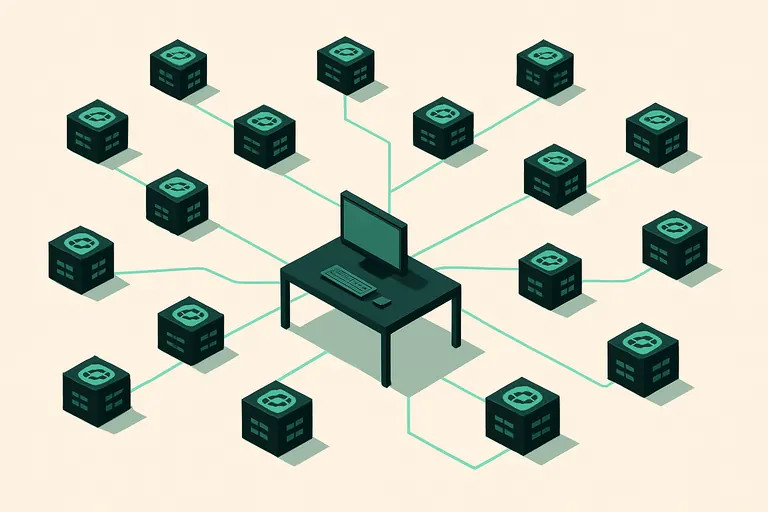
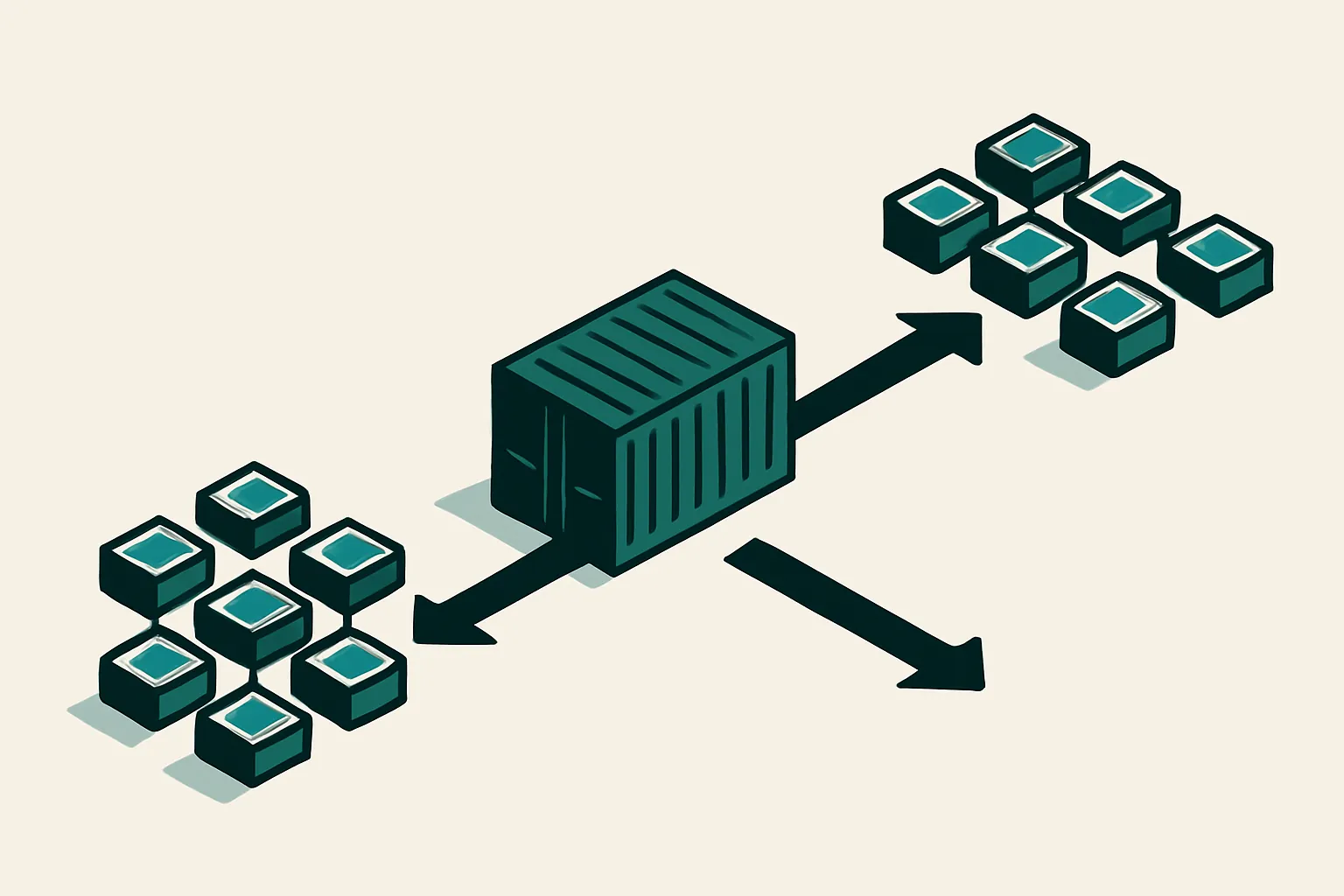
Both networks run your container on GPUs owned by independent operators, but they model the work differently. Akash sells a lease: you post a deployment, providers bid, and you accept one provider who runs your service until you close it or escrow runs out. Nosana sells job execution: you submit a deployment that wraps a job definition, and the network runs replicas of that job for a set timeout under a lifecycle strategy.
The table summarises what each project’s documentation says, reviewed on 2026-11-20. It makes no claim about capacity, price or speed; NeuraMesh has not benchmarked either network.
| Aspect | Akash | Nosana |
|---|---|---|
| Unit you buy | A lease with one provider | Job instances inside a deployment |
| Workload file | SDL (services, profiles, placement, pricing) | JSON job definition (image, cmd, gpu, expose) |
| Choosing hardware | Accept a provider bid; filter by attributes | Choose a GPU market |
| Run length | Until you close it or escrow runs out | A timeout per job, renewed by strategy |
| Paying | Escrow in ACT; Console takes cards as USD credits | Prepaid credits in USD cents |
| Persistent storage | Provider-local volumes, lost when the lease closes | Pull inputs from external resources such as S3 |
| Changing a running job | Image, env and command in place; resources need a redeploy | Not covered in the pages reviewed; plan to redeploy |
References: Akash providers and leases · Akash deployments and lifecycle · Nosana deployments
How the Akash buyer workflow runs
You write an SDL file that lists services, resource profiles, placement requirements and the maximum price you will accept. Creating the deployment opens an order, which Akash says stays open for about five minutes, and funds an escrow account. Providers bid, and Akash says most bids arrive within 30 to 120 seconds. Accepting a bid creates a lease on chain; the manifest then goes straight to the provider over HTTPS.
Escrow is funded in ACT, a USD-pegged compute credit. In the managed Console you pay by card in US dollar credits, Console converts them, keeps about two days of cost in each deployment’s escrow and can auto top-up. With a self-custody wallet or the CLI you fund escrow yourself. When escrow is exhausted the containers stop and you need a new deployment.
Akash lets you change the container image tag, environment variables and command on a live deployment, with a brief restart. Resources, replica count, ports, storage attributes and the provider cannot change without closing and redeploying. That suits a service you release often but resize rarely.
References: Akash providers and leases · Akash deployments and lifecycle · Akash: how funding works
How the Nosana buyer workflow runs
A Nosana job definition is JSON with a version, type container and an ordered list of operations. A container/run operation names the image, an optional command, a gpu flag and the ports to expose, and can declare external resources. Exposed ports can carry HTTP health checks, and operations in one job reach each other by operation ID as a hostname.
The deployment adds the market, a replica count, a timeout per job instance and a strategy. SIMPLE runs the replicas once. SIMPLE-EXTEND renews jobs at each timeout until funds run out. SCHEDULED starts them on a five-field cron expression, such as 09:00 on weekdays. INFINITE, which would keep a replica count running at all times, is marked coming soon.
You can work from the Deploy dashboard, signing in with Google or a Solana wallet, or from the REST API, TypeScript SDK or CLI with an API key. Credits are held in USD cents and topped up in the dashboard; a deployment without enough credits fails with INSUFFICIENT_FUNDS.
References: Nosana documentation · Nosana job definition schema · Nosana job services and health checks · Nosana deployment strategies · Nosana getting started · Nosana credits

Decision rules for Akash vs Nosana
Use these rules to pick which network to trial first. They follow from each documented workflow, not from performance data, so the trial below still decides.
If the job is a web endpoint that should run for weeks and you will push new images often, Akash’s in-place updates and choice of provider are the better fit. If the job is a batch run, an evaluation sweep or a nightly task, Nosana’s replicas, timeouts and SCHEDULED strategy describe it more directly. For a decentralized GPU job that must keep local state between runs, Akash is the only one of the two with documented host volumes, but those volumes die with the lease.
| Your situation | Trial first | Reason |
|---|---|---|
| Always-on inference endpoint | Akash | Lease runs until closed; INFINITE on Nosana is not yet available |
| Frequent image releases, fixed size | Akash | Image and env update in place |
| Need a specific region or audited provider | Akash | Provider attributes and audit badge to filter on |
| Batch job with a known run length | Nosana | Timeout per job and SIMPLE strategy |
| Many parallel copies of one job | Nosana | Replica count on the deployment |
| Recurring job on a timetable | Nosana | SCHEDULED strategy with cron |
| Prefer not to handle tokens | Either | Akash Console takes cards; Nosana uses USD credits |
References: Akash persistent storage · Nosana deployment strategies
Storage, secrets and recovery
Akash storage is ephemeral unless you mark a volume persistent in the SDL. Persistent volumes survive container restarts, updates on the same provider and provider infrastructure restarts. They do not survive closing the lease, moving providers or a provider storage failure, cannot be resized after deployment, and are not shared between services. Akash itself recommends external backups.
Nosana’s model points the other way: inputs come from declared external resources, and anything you need afterwards should be written out by your own code before the timeout. In practice the safe design is the same on both. Keep model weights and datasets in object storage, write checkpoints there on a schedule, and treat each host as disposable. Our checkpointing guide shows the pattern, and storage and egress costs shows what moving data out can cost.
Pass credentials as environment variables scoped to read-only buckets where possible, and rotate them after a trial. You are running on a machine operated by someone you have not met, so assume the operator could see what the container sees.
References: Akash persistent storage · Nosana job definition schema
A matched trial plan
Run the same container image digest, model revision and fixed input set on both networks. Request the same GPU model and memory on each, then record the Akash provider address or the Nosana node and market for every run. Without those identifiers a second run may land on different hardware and the comparison stops being reproducible.
Score both networks on the stages below. A pass means you saw the evidence yourself, not that a status field said so. Our operator evaluation guide covers what to ask when a stage fails.
| Stage | Pass condition |
|---|---|
| Launch | Requested GPU visible inside the container |
| Execution | Expected output on the fixed input |
| Retrieval | Artifact downloaded from your storage and validated |
| Failure | Job killed mid-run resumes from checkpoint on a fresh worker |
| Funding | You know what happens at low balance before it happens |
| Cleanup | Deployment closed, unused balance returned, no ongoing charge |
References: Akash provider attributes
An illustrative cost comparison
Rates on both networks move with supply, so compare the cost of a finished result. Suppose an evaluation sweep needs 40 GPU-hours. As 8 Nosana replicas with a 5-hour timeout, you pay roughly for 40 GPU-hours plus image pull and model load on each of the 8 workers; at 15 minutes each, that is 42 GPU-hours. As one long Akash lease on a single GPU, you load the model once, but the sweep takes 40 hours of wall time and the lease keeps billing until you close it. Forget to close it for a weekend and you add about 48 hours.
Multiply each figure by the rate you are actually quoted. The example shows two traps: per-replica startup on job-style platforms, and idle billing on lease-style ones. The numbers are illustrative, not measurements or quotes.
If neither network fits
Some jobs need a named data-center facility, one accountable vendor, multi-GPU nodes with a known interconnect, or data that cannot sit on an unknown operator’s host. In those cases a conventional rental is the simpler choice. Keep your container and storage layout as they are; a portable job moves with little rework, as our portable GPU workloads guide explains.
NeuraMesh is one conventional option. Choose a GPU such as an A100 or L40S, a Data center or Value plan, and the hours and region, and you get a confirmed quotation by email, typically within one business day. You pay only after approving it; the minimum order is $50 and there is no instant deploy. See the GPU prices page for current rates.
NeuraMesh prices for these GPUs
| GPU | Memory | Data center | Value |
|---|---|---|---|
| RTX 4090 | 24 GB | $0.46 | $0.40 |
| L40S | 48 GB | $1.26 | $0.54 |
| A100 | 80 GB | $1.56 | $0.98 |
| H100 | 80 GB | $2.88 | $2.00 |
Every order is confirmed in a quotation before you pay. See all GPU prices.
Questions readers ask
Akash vs Nosana: which is better for LLM inference?
For a long-running endpoint you serve yourself, Akash fits better today because a lease runs until you close it, while Nosana’s always-on INFINITE strategy is marked coming soon. SIMPLE-EXTEND can keep Nosana jobs renewing while funds last. Nosana also documents an OpenAI-compatible API for open models billed per token.
Do I need AKT or NOS tokens to use them?
Not necessarily. Akash Console takes card payments as USD credits and converts them to ACT for escrow. Nosana uses prepaid credits held in USD cents, topped up in its dashboard. Self-custody paths on Akash require funding escrow from your own wallet.
Does a completed job or transaction prove the work was correct?
No. A lease, a job status or an on-chain record shows the platform ran something. Validate the returned artifact or the service response separately against the expected output.
Can I move a job from Akash to Nosana later?
Yes, if the container is self-contained and state lives in your own storage. You rewrite the SDL as a Nosana job definition, mapping image, command, GPU and ports, and keep the code unchanged.
Should I compare AKT and NOS token prices to choose?
No. Token prices do not tell you runtime compatibility, available GPUs or the cost of a finished job. Compare the actual service offer and the trial results.
Sources and editorial notes
- Akash providers and leases
- Akash deployments and lifecycle
- Nosana deployments
- Akash: how funding works
- Nosana documentation
- Nosana job definition schema
- Nosana job services and health checks
- Nosana deployment strategies
- Nosana getting started
- Nosana credits
- Akash persistent storage
- Akash provider attributes
Primary documentation reviewed October 9, 2026. Provider descriptions reflect published documentation. Recommendations are our analysis; worked figures are illustrative unless explicitly stated otherwise. No independent provider benchmark or uptime ranking is claimed.
Need this GPU? Rent it from NeuraMesh: choose a GPU and plan, get a confirmed quotation, and pay only when you approve. See pricing.