Put timestamps around the cold-start path
Record request arrival, worker allocation, application readiness, model readiness and first response. Without those boundaries, an apparent GPU performance problem can actually be a large image pull or a slow download.
Modal’s cold-start guide distinguishes startup work and describes controls for keeping containers available. Use the corresponding controls for the product you deploy, then check the bill as well as the latency graph.
References: Modal cold starts
Remove work that does not belong at request time
Build stable dependencies into a versioned image. Avoid reinstalling the same packages every time a worker starts. Keep model artifacts versioned and place them where workers can load them predictably.
Do not turn every initialization step into a cache without checking correctness. A cached artifact must match the requested model revision and configuration. Log those identifiers at startup so a quick response is not coming from the wrong model.
Estimate the cost of staying warm
Suppose a service receives a short burst every ten minutes. Keeping one worker running between bursts may avoid cold responses, while scaling to zero may save idle time. Which is preferable depends on the delay users accept and the actual billing rules.
Run both policies against a replay of the arrival pattern. Count paid worker time, cold responses and rejected requests. Average traffic per hour hides the gaps and bursts that determine whether warm capacity helps.
Test a burst larger than the warm pool
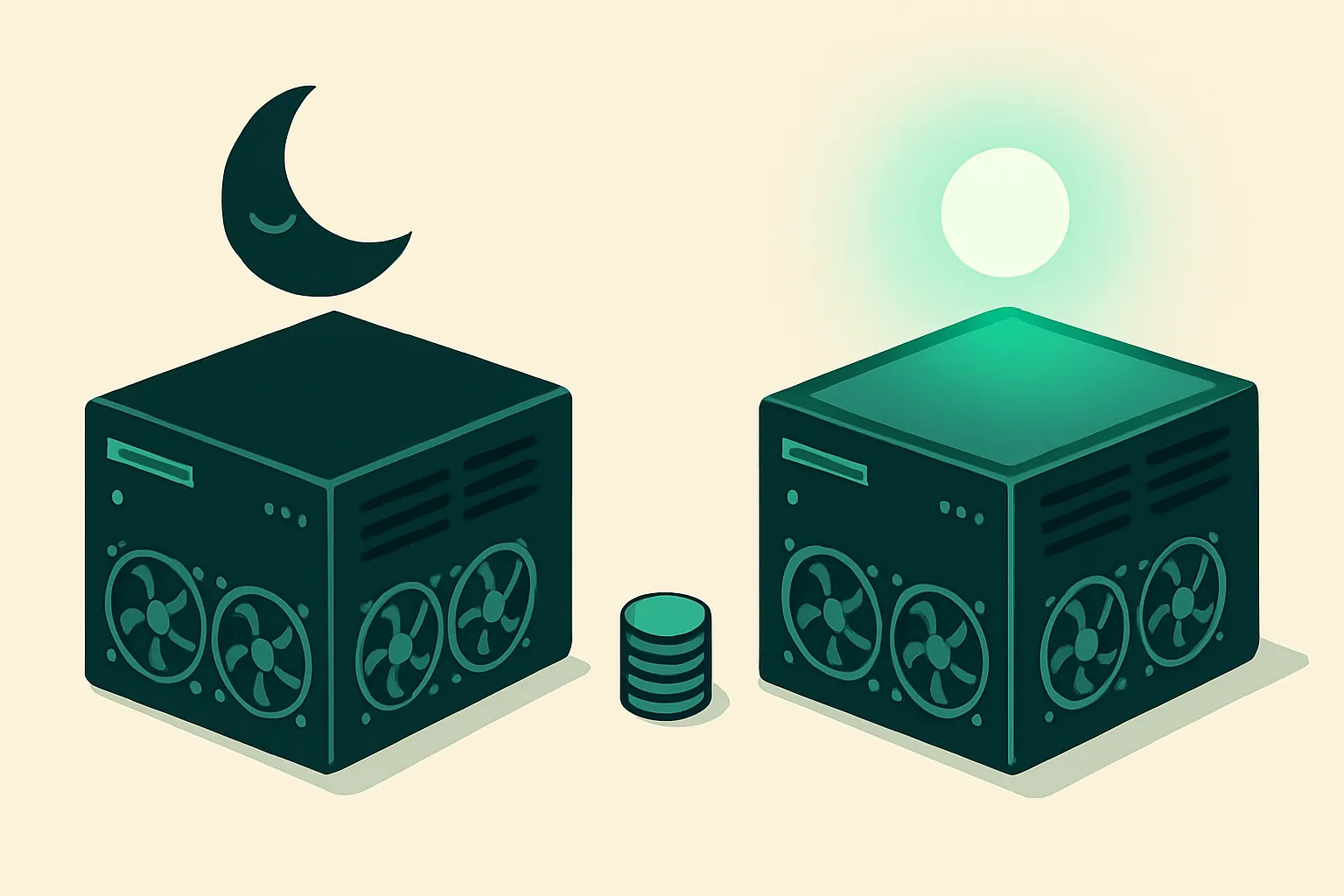
A warm worker does not make all future requests warm. Once concurrent work exceeds the ready capacity, new workers or queues enter the path. Set a limit on queue waiting and decide how clients retry.
For an interactive product, keep the ordinary load inside a measured latency envelope and make overload behavior explicit. For an asynchronous batch tool, a longer queue can be an acceptable trade for lower idle spending. These are different products even when they run the same model.
Estimate cold-start time from artifact sizes
Cold-start time is roughly the sum of image pull, weight download, weight loading and warm-up, and the first two scale with bytes. Worked example: an 8 GB image pulled at an effective 500 MB/s takes about 16 seconds. An 8B model in BF16 is about 16 GB; downloading it at 1 GB/s adds another 16 seconds. Add an illustrative 20 seconds for loading into GPU memory, compiling kernels and a warm-up request, and the cold path is about 52 seconds before allocation time.
Shrinking artifacts shortens the path directly. Serving the same model in FP8 halves the weights to about 8 GB and saves roughly 8 seconds of download in this example, provided quality holds; see LLM quantization for inference. The LLM VRAM budget guide gives weight sizes for other models, and users experience a cold start as a long time to first token.
References: Modal cold starts
Compare a warm pool with an hourly dedicated GPU
A warm pool that never scales to zero bills like a dedicated GPU, so compare it with one. One warm worker for a 30-day month is 720 GPU-hours. If traffic keeps at least one worker busy or warm around the clock, the question becomes which offer costs less for those 720 hours, not whether serverless avoids idle time.
Illustrative arithmetic: if serverless GPU time costs 1.5 times the hourly rate of a comparable dedicated GPU, one always-warm worker costs 50% more per month for the same hours. Serverless comes out ahead only when billed time falls below two thirds of the month, which means the pool must scale to zero for more than a third of it. Check current prices for hourly GPU rental and read serverless vs dedicated GPU for the full comparison.
Gate traffic on model readiness
A worker can hold a GPU before it can serve. Expose a readiness state that turns true only after the model is loaded and a warm-up request succeeds, so the router does not send user traffic to a worker that is still initializing. Record image size and load duration with each release; growth in either shows up directly in cold-start time.
If some initialization can move ahead of the first request, such as loading weights when the worker starts rather than on demand, measure the idle time and storage it adds against the latency it removes.
References: Modal cold starts
Use a cold-start test matrix before launch
Test a fully cold worker, a warm worker, a cached image with an uncached model, and a burst that requires new capacity. Repeat the cases after changing the image or model revision. Record stage timings, memory, first-result latency, and cost so the team can see the trade-off rather than optimizing one number.
Tag every stage timestamp with one trace or run ID so the stages of a single cold start can be lined up. Report a distribution over repeated runs, not the best run, and test from the region and network path customers use. A model already cached on a developer machine does not represent a newly allocated worker that must fetch the image and weights.
References: Modal cold starts · Runpod Serverless overview
Set autoscaling thresholds from measured queue behavior
Choose a scaling signal that tracks user work, such as queued requests or estimated processing time, rather than only GPU utilization. Decide how quickly another worker must become ready and how much excess capacity is acceptable. Measure the complete scale-out delay because a new allocation may still need to load the model before it can help.
Add a maximum worker count and a clear overload response. Without a limit, a burst can create unexpected spend; without a response policy, clients may wait until their own deadline expires. Cap client retries too: unbounded retries create a second burst exactly when the system is already behind. Handle cancellation and duplicates so a retried request does not produce two billable jobs or two published results, and test scaling down, including whether active jobs finish and whether cached artifacts are lost.
References: Runpod Serverless overview
Retire cached model revisions deliberately
Key a shared model cache by immutable revision and relevant configuration, and reject any entry that does not match the request. Track cache hit rate, load duration and storage cost together, and keep access permissions narrow.
Each retained version adds storage. Decide when an old revision is removed after traffic moves to a new one, and keep the revision needed for rollback until the release is stable, so the cache neither grows without limit nor loses an artifact you may still need.
References: Modal cold starts
Choose the execution model by workload shape
Serverless capacity can fit irregular traffic and short tasks when startup delay is acceptable. A dedicated warm worker can fit steady demand, predictable latency, or a model that takes a long time to load. Neither label guarantees cheaper or faster service; compare measured cost and user experience over the same arrival trace.
Before comparing, set the latency target and the maximum idle cost you will accept. Where the provider bills for an allocated but idle GPU, include that time in the same cost-per-successful-request figure used for the workload; the break-even point depends on measured allocation, startup and idle billing.
For mixed traffic, consider separating interactive requests from batch work. Give each a queue and scaling policy suited to its deadline. Keep a fallback for cold-start spikes, such as a clear retry window or a smaller ready pool, and test what happens when that fallback is exhausted.
References: Runpod Serverless overview
NeuraMesh prices for these GPUs
| GPU | Memory | Data center | Value |
|---|---|---|---|
| RTX 4090 | 24 GB | $0.46 | $0.40 |
| L40S | 48 GB | $1.26 | $0.54 |
| A100 | 80 GB | $1.56 | $0.98 |
| H100 | 80 GB | $2.88 | $2.00 |
Every order is confirmed in a quotation before you pay. See all GPU prices.
Questions readers ask
Does serverless GPU mean no cold starts?
No. It means the service manages worker infrastructure; readiness still depends on allocation and application initialization.
Will a warm worker remove serverless GPU cold starts and queueing?
Only while the ready capacity can handle incoming work. Bursts can still create a queue or require additional workers.
What causes a serverless GPU cold start?
Capacity allocation, container startup, dependency setup, model download and loading, and warm-up can all contribute. Instrument each stage to find the dominant delay.
How can I reduce GPU cold-start time?
Keep the image reproducible and lean, avoid installing dependencies at launch, stage versioned model artifacts predictably, and measure whether warm capacity meets the latency target economically.
When should I keep a GPU worker warm?
When measured cold-start delays violate the product target and the saved latency is worth the idle cost. Replay real arrival patterns and compare warm capacity with scale-to-zero behavior.
Does keeping one GPU warm guarantee every request is warm?
No. Requests beyond ready capacity can queue or trigger scale-out. Test a burst and measure how long new workers take to become ready.
Should model files be cached between GPU jobs?
They can be, if cache entries are versioned, access-controlled, and matched to the requested model. Measure the storage and cleanup cost as well as the startup savings.
Sources and editorial notes
Primary documentation reviewed October 9, 2026. Provider descriptions reflect published documentation. Recommendations are our analysis; worked figures are illustrative unless explicitly stated otherwise. No independent provider benchmark or uptime ranking is claimed.
Need this GPU? Rent it from NeuraMesh: choose a GPU and plan, get a confirmed quotation, and pay only when you approve. See pricing.